
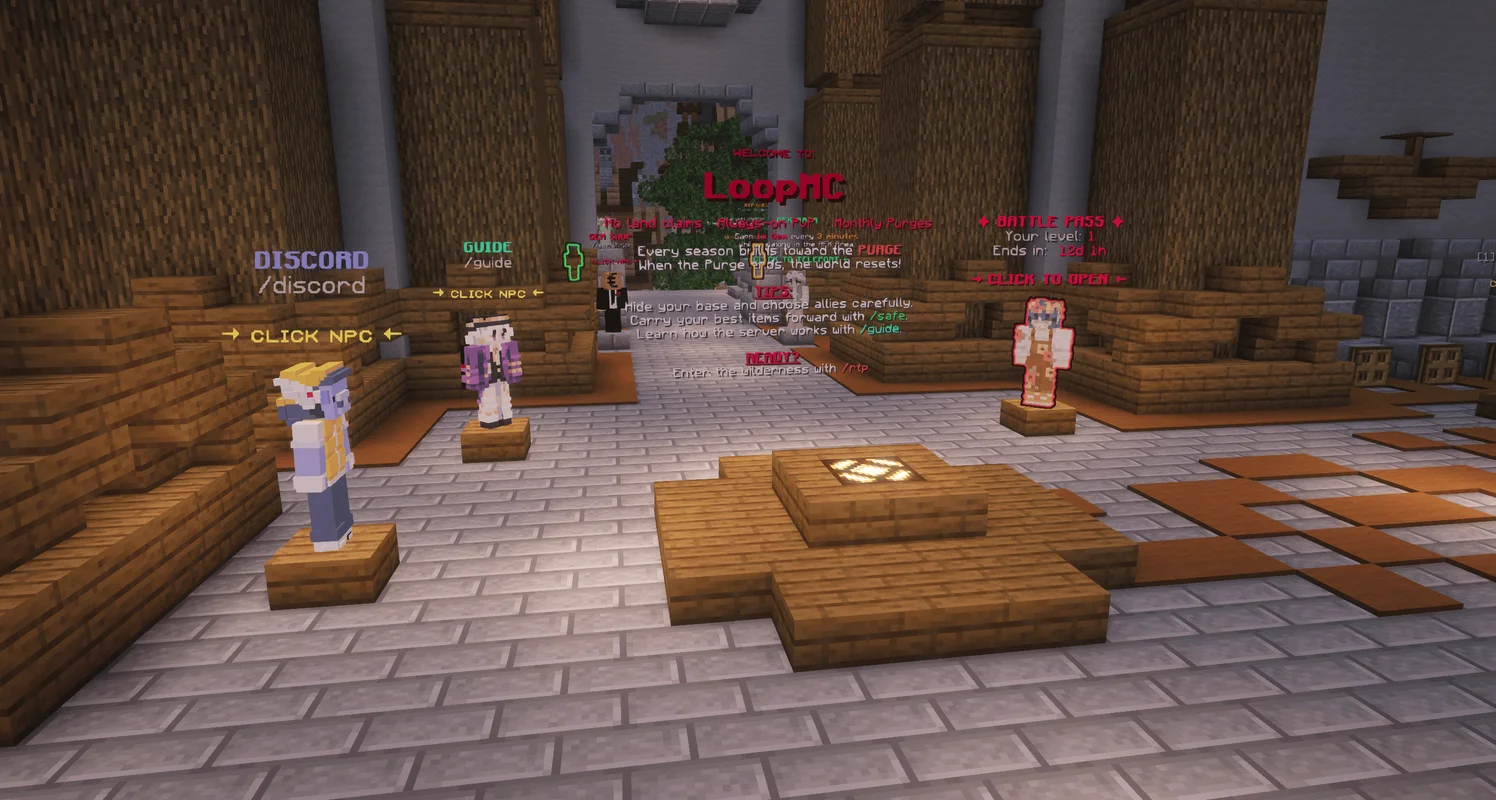
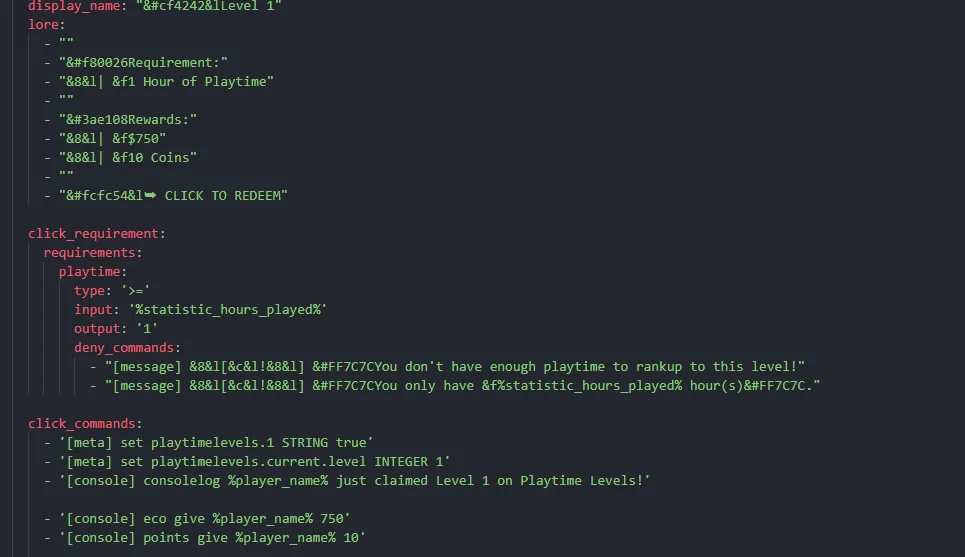
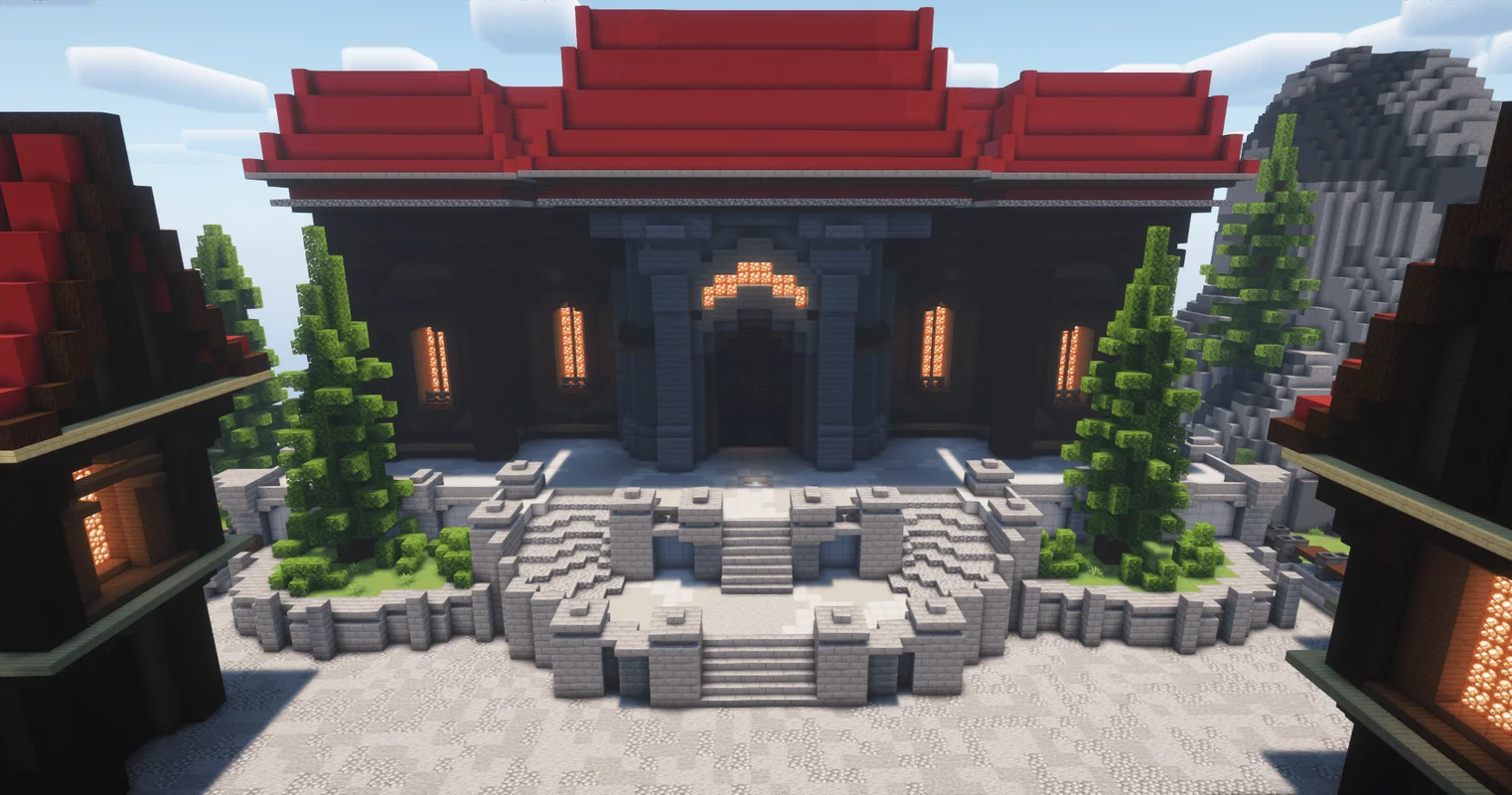

 $29.99

Welcome to Atomatrix
Development
Minecraft server setups, plugin configs, builds, and more!
- Products available
- 34
- Total purchases (across all sites)
- 4,392
- Customer ratingfrom 74 reviews
- 5.0 / 5
Select a category

Atomatrix Store, on your home screen
Keep your products and downloads a tap away. Install the app from your browser.
An internet connection is needed to browse, sign in, purchase and download.
Best Selling Products
Most purchased in the past 90 days.


From our customers
All reviews →Overall a good setup, you can see the work the author has put into it. A simple mode with innovative gameplay mechanics. The only flaw, in my opinion, is the map, which is too simplistic and not sufficiently developed. Apart from that, the setup is good and complete, the ergonomics well worked out, and players are well guided overall and easily integrated. Everything is easily configurable. Discord support is very good, with fast, efficient responses. The author is available to help you. All I need to do now is test the system to see if it works well with 100 simultaneous players and if everything is optimized.
 shika258
Quick to help, lovely build with well-set configs. Overall it's simple but elegant, with what you see, that's what you get. The person behind this is lovely to work with, and I encourage you honestly to give him a try.
 chad.1439
I really love this setup! Very good setup with a lot features, the important thing is: no premium plugins required. Fast support on their discord server and their owner is very kind with the others! ♥
 nulldate
Frequently asked questions
What’s included in a premade Minecraft server setup?
An Atomatrix server setup provides pre-configured files, plugins and gameplay features to help you launch your own Minecraft server. Each product page explains what’s included, its supported versions and installation requirements. Plugin configurations and builds are available separately.
Do I need to buy any paid plugins?
No. Atomatrix server setups have zero paid plugin dependencies. Standalone plugin configurations have their own requirements, so check the product description and Dependencies tab before purchasing.
Do your Minecraft server setups support Java and Bedrock players?
Yes. Our server setups support Minecraft Java Edition on Paper, with Bedrock access through Geyser. Follow the setup’s documentation and check its supported Minecraft versions before installing.
Can I try a Minecraft server setup before buying?
Yes. Connect to test.atomatrix.gg to explore our server setups before choosing one. Use /test in-game to open the testing menu and find the setup you’re interested in.
Can I customise a setup with my own server name and branding?
Yes. Our server setups support one-file rebranding, making it easier to apply your server’s identity. Follow the included documentation to change the branding settings, then customise individual features to suit your community.
What hosting and server requirements do I need?
You’ll need suitable Minecraft server hosting to run your setup. Check the product page for its RAM, Minecraft version and software requirements, then follow its installation guide. As a baseline, around 4-5GB RAM should be used as a minimum for most setups.
How do I download my purchase and get support?
Sign into Atomatrix.gg with your Discord account to access your purchases. Start with the product documentation for installation instructions. If you need help, join our Discord to access product support.
What are the benefits of buying directly from Atomatrix?
Buying directly from Atomatrix.gg lets you earn Loyalty Points on the site. Join our Discord before purchasing to earn one point per $0.05 spent. Points can take up to 12 hours to appear and can be redeemed for more products through the Discord /shop command.
Let’s build your next server.
Explore our products or talk to the Atomatrix community.