MinePay Integration
MinePay integration is an addon on BuiltByBit only (for now), and is only available on BoxPvP Setup. It's slowly being rolled out to all setups soon.
Before you start setting up MinePay, is is assumed you've already set up your Atomatrix Server Setup.
1. Import MinePay config
Download the MinePay addon, and copy the "MinePay" folder to the plugins folder of your server files. Then download the MinePay plugin jar from GitHub here, and add that to your plugins folder too. Then restart your server.
2. Register on Trinetic
If you don't have one already, create an account on trinetic.net and link your PayPal business (preferably) account to your new account.
3. Add your server on the panel
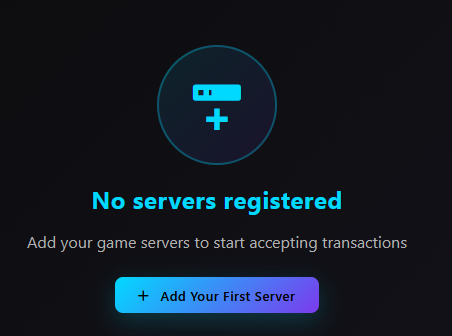
Go to https://trinetic.net/servers and click "Add your first server"
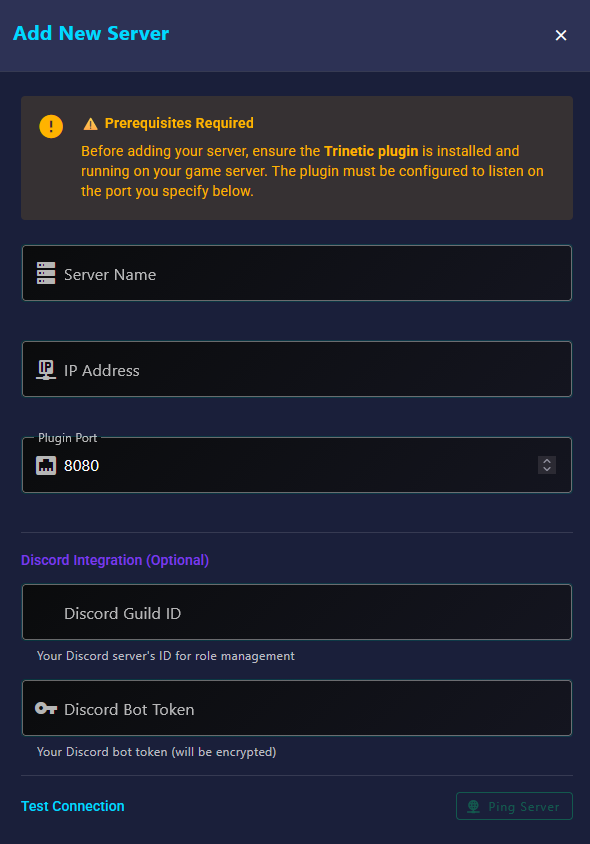
Add your Servers Name (whatever you want), then fill in your server's IP and a dedicated port for MinePay to operate on. This port needs to be different from the port you join on, or what other plugins use...
If you want to setup the Discord bot integration (and you know how to create a Discord bot), you can add your server's guild ID and the bot token in this menu too.
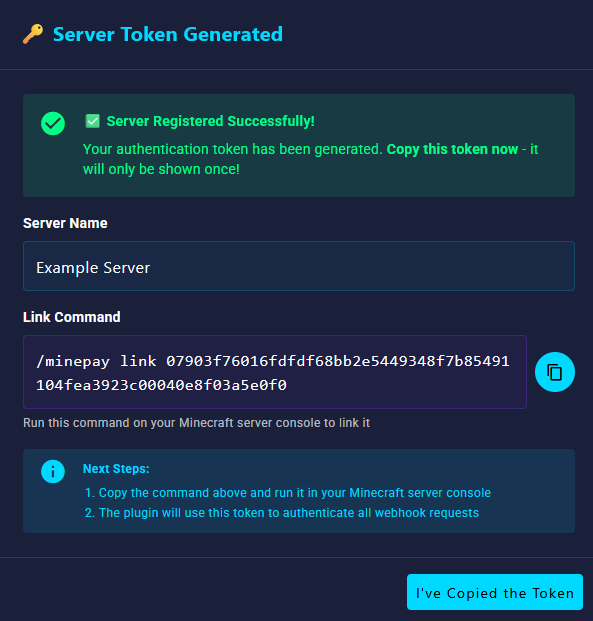
You then need to link it to your server in-game by typing the command it gives you in the console.
You're now all ready to go! Feel free to check the MinePay config (/plugins/MinePay/config.yml) and tweak anything you wish! You can also create discount codes & coupons in Discounts.yml