

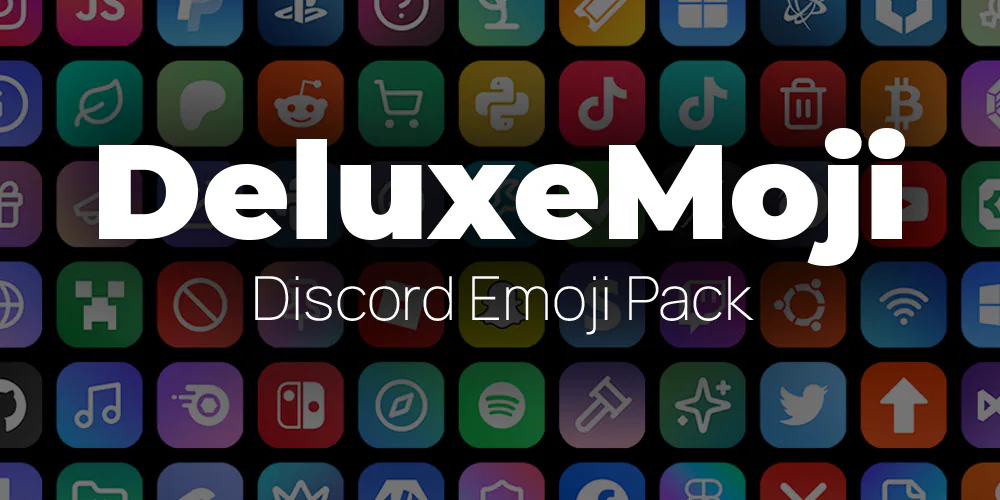
 $3.99
Discord Emoji Packs & Twitch Bit Badges
Browse Discord emoji packs and Twitch Bit badges from Atomatrix.
$3.99
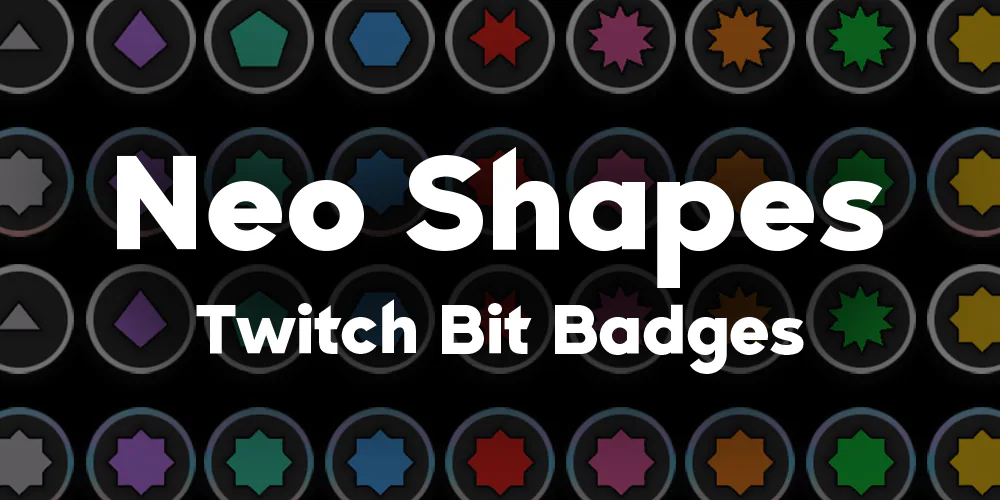 $1.99
Explore Graphics
Create a consistent look for your Minecraft community with graphics from Atomatrix. Explore the collection for server artwork, icons and Discord emoji packs, then open a listing to see exactly which assets it contains. Choose artwork that suits your community name, game modes and the places where players discover your server. Compare the product previews with the sizes and formats you need before ordering.
Each listing explains the included files and available customisation. Check image dimensions, transparent backgrounds, editable source files and usage terms where those details are supplied. A finished image pack does not automatically include a custom design service or editable project files. For Discord assets, confirm the sizes and formats your server can use, and review the destination platform requirements before uploading. Keep original downloaded files so you can export or resize a working copy when needed.
Your Atomatrix account provides access to the purchased resources available to you. Read product details, public updates and customer feedback to compare options, and contact direct Discord support when an asset or customisation requirement is unclear. Graphics are separate from server setups, builds and plugin configurations unless the product explicitly includes them. Explore those categories alongside your artwork if you are preparing a complete server launch.
Frequently asked questions
Can I edit the graphics after purchasing?
Check the listing for editable files and permitted customisation. A graphics pack may contain finished images rather than source project files.
Which image formats and sizes are included?
The product description lists the supplied assets. Confirm dimensions, transparency and intended platform before purchasing.
Does a graphics purchase include custom design work?
Custom work is included only when explicitly described by the listing. Ask Discord support to clarify the scope before ordering.