Skip to content

Atomatrix Development
COIN SHOP - Deluxe Menus Config

NOTE: Please refer to the documentation before asking for support in the Discord Server.
(Buyers must verify their purchase to gain access to support)


INCREASE REVENUE FOR YOUR SERVER
Elevate your server's economy and give your players a reason to grind with Atomatrix's Coin Shop & Cosmetics.
This premium configuration is built to provide a high-quality, premium shop experience that feels like a native feature, not an afterthought.

Why Choose This Configuration?


A thriving economy requires a place for players to spend their currency. This config offers a massive variety of rewards, from vanity cosmetics to gameplay modifiers, ensuring your players always have a new goal to work toward:
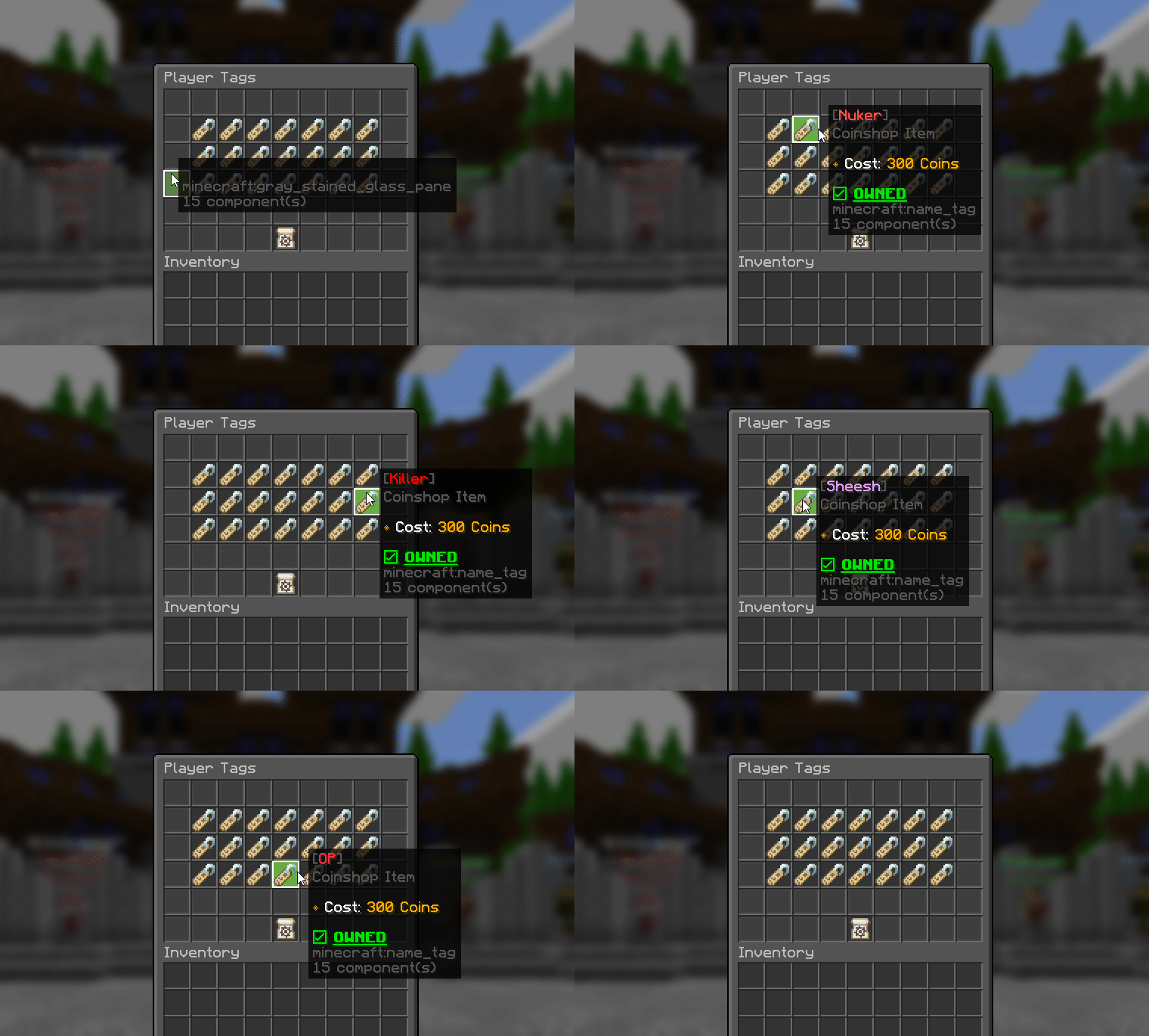
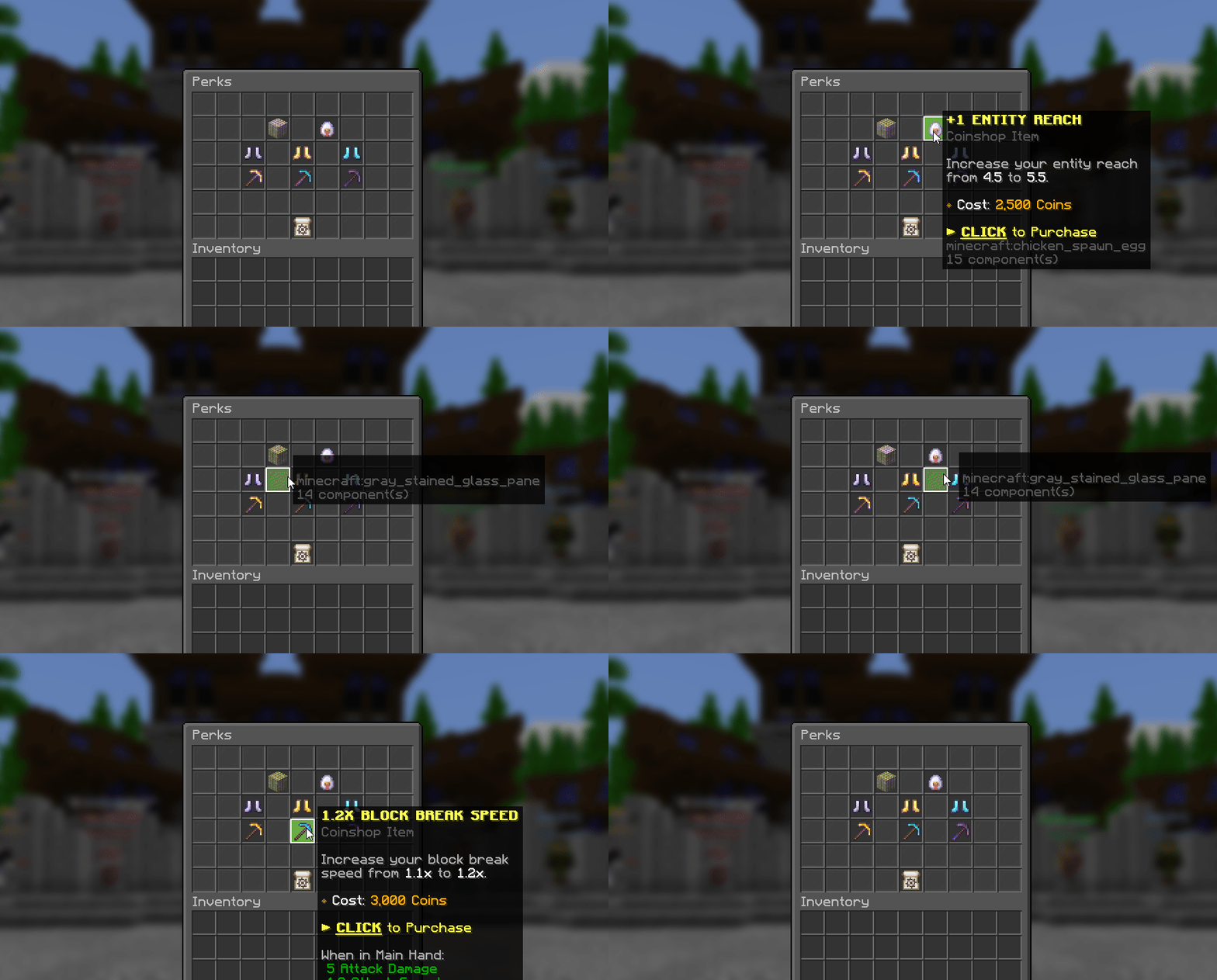
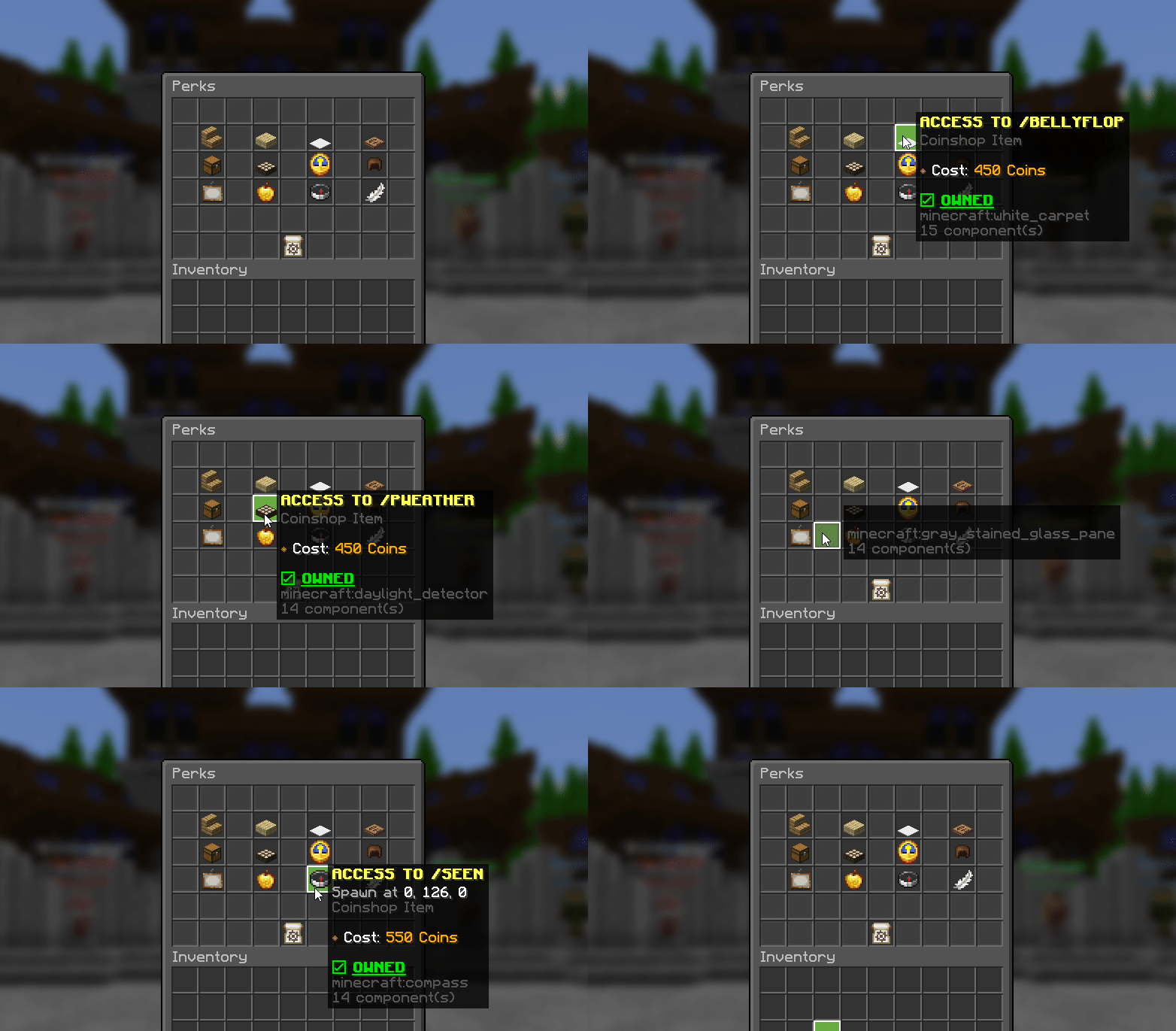
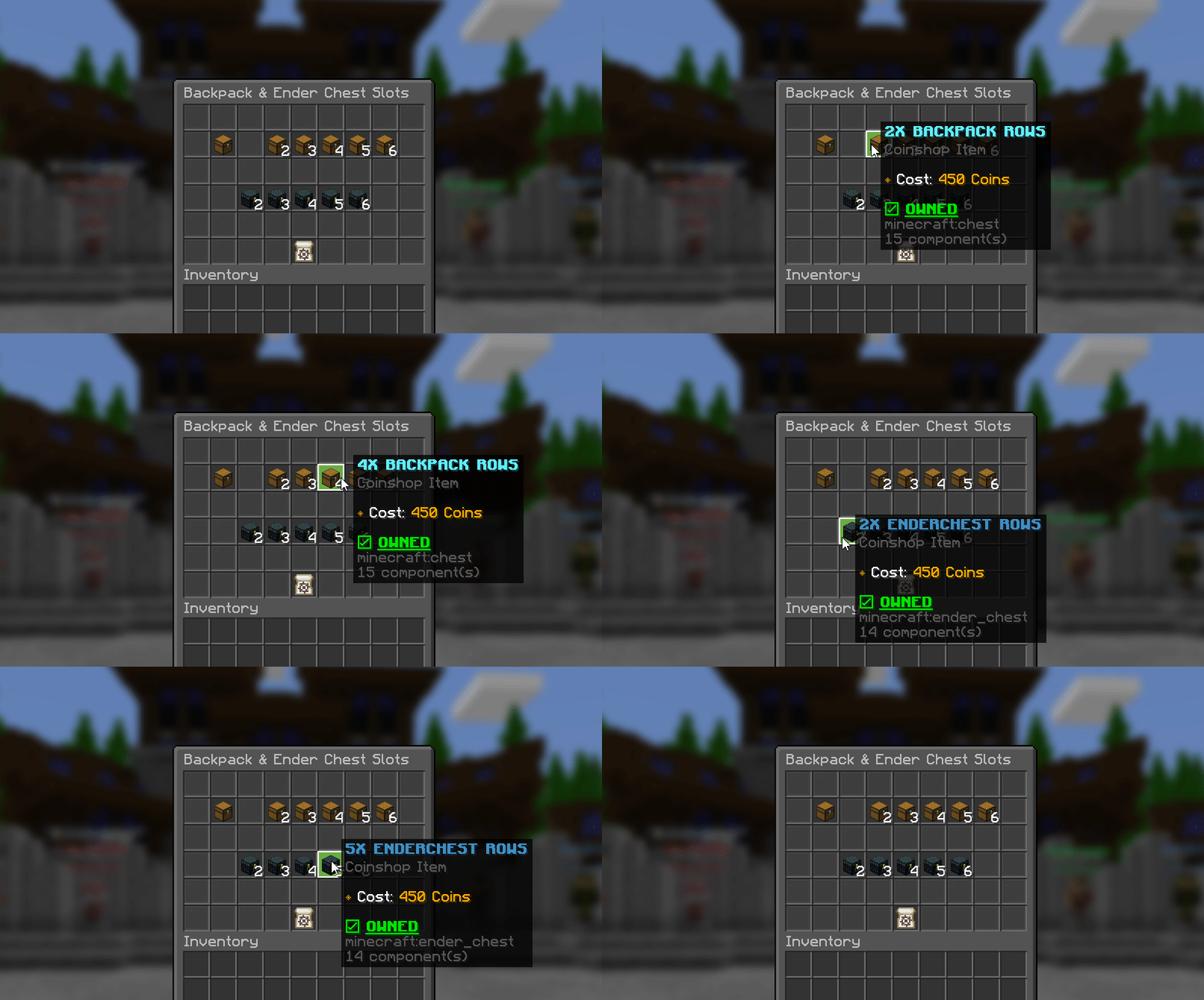
  • Massive Catalog: Features 10 distinct categories with 119 unique items ready for purchase, and over 100 permanent unlocks that players can work towards!
  • Player Modifiers: Beyond just cosmetics, give your players meaningful upgrades like Block Reach, Dig Speed, and more.
  • Anti-Double Buy: A lot of the items aren't consumable. With this config, not only are players not able to purchase items like Chat Colors or Tags more than once, but it's clearly shown on the item if the player owns it or not!
  • Language Support: This config supports 26 different languages!

"Languages Supported"Spanish, Italian, French, Russian, German, Arabic, Swedish, Portuguese, Polish, Turkish, Chinese, Indonesian, Vietnamese, Dutch, Korean, Czech, Thai, Hungarian, Japanese, Ukrainian, Danish, Romanian, Slovak, Hebrew, Lithuanian.


100% Flexible


While this config has been created for most popular plugins, every server is different. Using find & replace in a text editor, you can swap out the currency requirements for any plugin of your choice in seconds.

Expansive Version Support


This config supports all versions from 1.20.5 all the way to the latest version!

Prevent Double-Buying


Items like Chat Tags or Cosmetics shouldn't be purchased multiple times. With this config, not only are players not able to purchase these items more than once, but it's clearly shown on the item if the player owns it or not!

Console Logging


Every single purchase can be captured and logged directly to your console! (Requires ConsoleLogger)


TEST SERVER
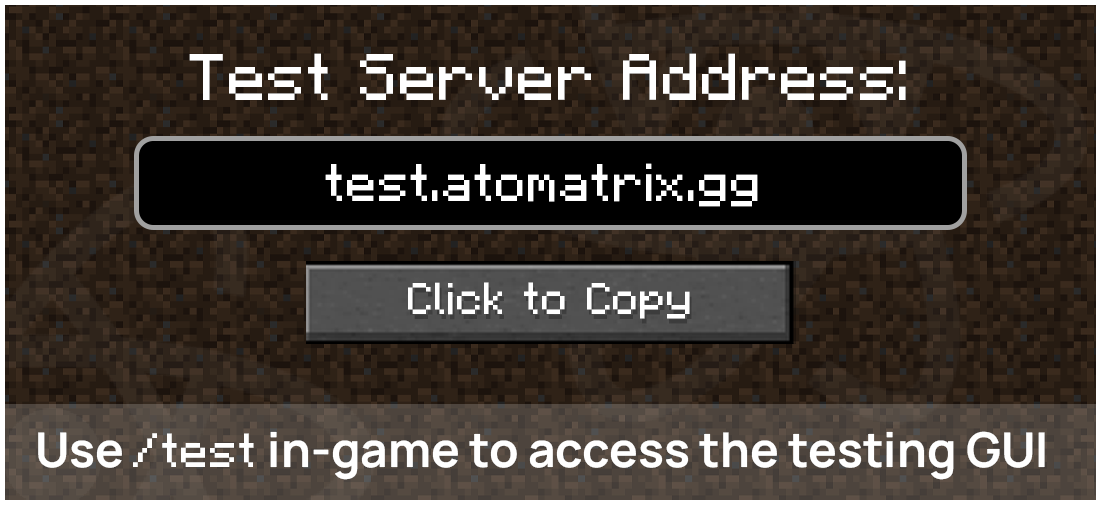
The Test Server for this config can be accessed by joining the server using the IP test.atomatrix.gg.

Version: 1.20.5+


SHOWCASE VIDEO
Check out the Coin Shop configuration with this showcase video!


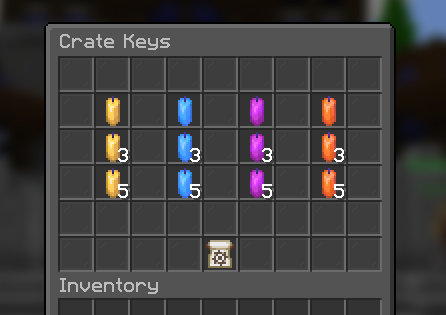
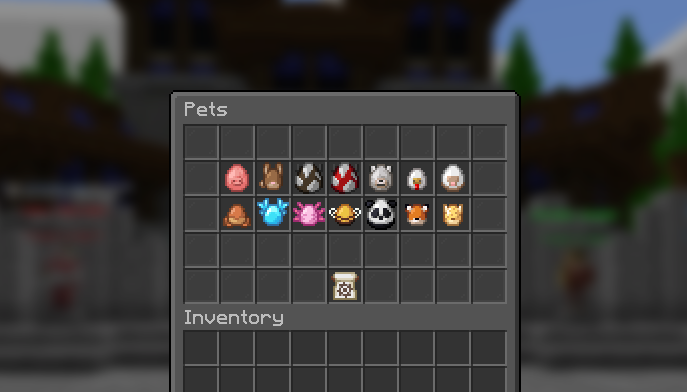
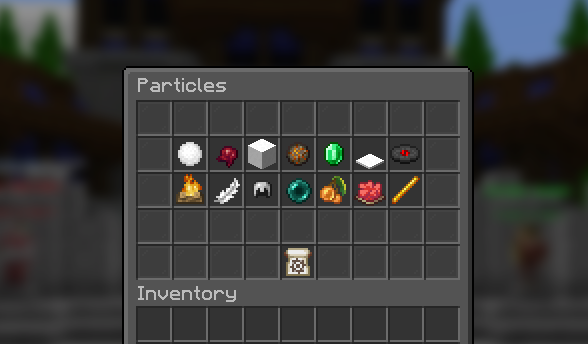
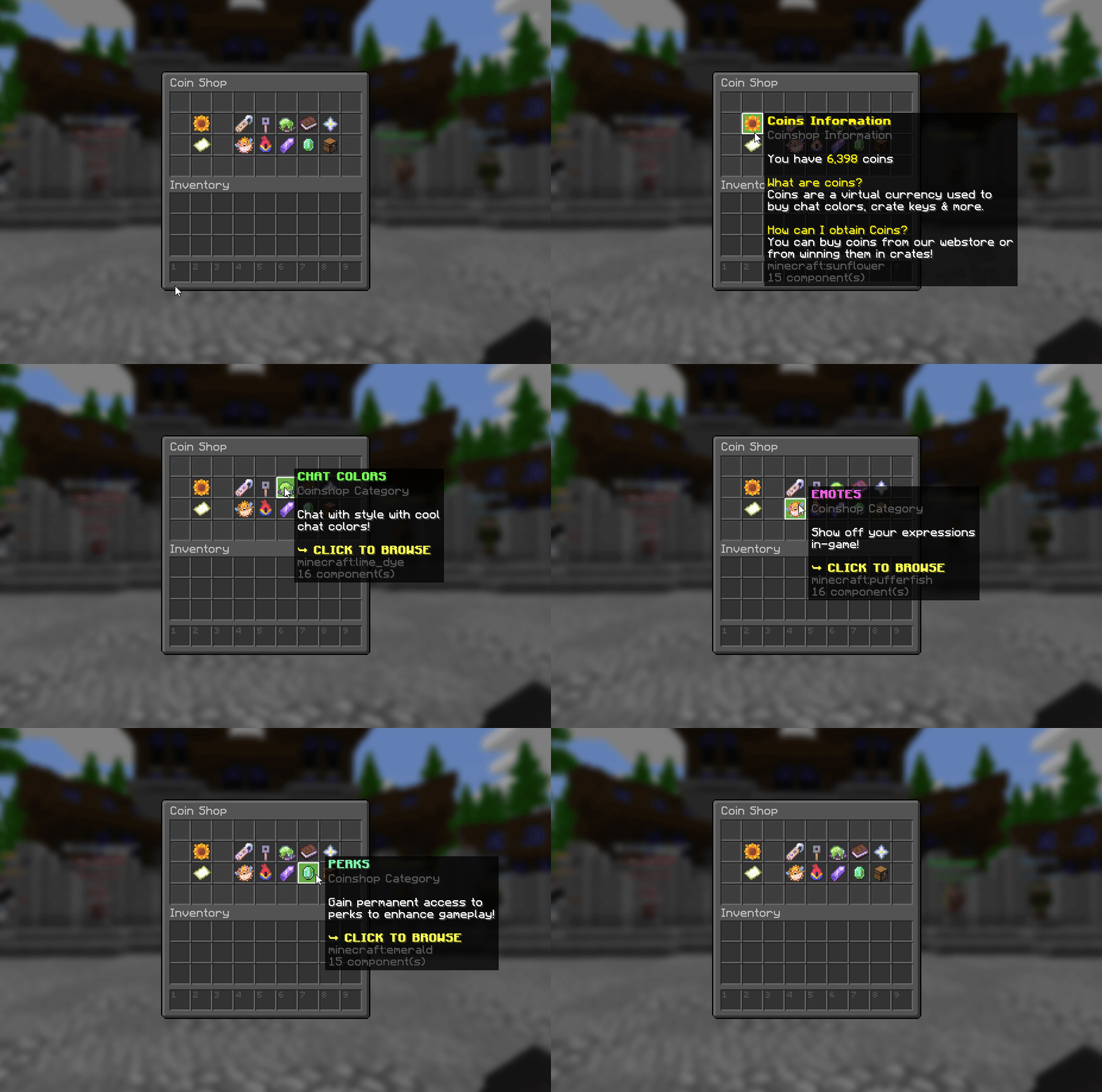
MENU OVERVIEW


SUPPORT FORUM
Priority support for every customer with typical reply times of under an hour.


atomatrix.gg - Premium Minecraft Resources
All links to any free-use content in this resource can be found here.

(By purchasing this resource, you automatically agree to the Terms and Conditions)


Technical specifications

Requirements and delivery for COIN SHOP - Deluxe Menus Config
PlatformMinecraft Java Edition; check the listing for Bedrock via Geyser support
Native server softwareCheck the product description for Paper and other software compatibility
Server versionSee the product description for supported Minecraft versions
Minimum RAMSee the product description; ask support if no RAM requirement is listed
Paid dependenciesFor the core config to function: - DeluxeMenus - Download here - Vault - Download here - PlaceholderAPI - Download here (with Player & LuckPerms Extension) - Luckperms - Download here - PlayerPoints - Download here - ConsoleLogger - Download here (If you wish to use logs for in-game purchases) To provide players with the items they purchase: - DeluxeTags - Download here - ChatColor - Download here - SkinsRestorer - Download here - GSit - Download here - Minepacks - Download here - VariableEnderChests - Download here - UltraCosmetics - Download here
DeliveryAvailable in your account after purchase

Buying directly from Atomatrix

Compare the listing and delivery terms wherever you buy. Product content, compatibility and included licences are defined by the individual listing.

Atomatrix direct store and marketplace listings
What to checkAtomatrix direct storeBuiltByBit / Polymart
Purchase and downloadsManage purchases in your Atomatrix account.Check the marketplace account and delivery terms.
Product supportDirect Discord support through the store’s support link.Check the seller’s support instructions.
Dependencies and customisationCheck this product’s dependencies and included instructions.Check the specific listing and included instructions.
Loyalty programmeEligibility and point delivery follow the Discord programme. Check the seller’s programme and purchase eligibility.

Frequently asked questions

Does a configuration include the plugin itself?

Use the product description and Dependencies tab to check what is supplied. A configuration does not automatically include a licence for the plugin it configures.

How do I install a DeluxeMenus configuration?

Install the supported DeluxeMenus version and any listed dependencies, back up your existing files, then follow the product instructions for copying and adapting the configuration.

Will a configuration work with my Minecraft version?

Compare your Minecraft and plugin versions with the listing. Ask Discord support about versions or Geyser compatibility that are not explicitly documented.

Loyalty Points

What are Loyalty Points?

Loyalty Points can be used to redeem FREE Products! Here's how to earn them!

Purchasing a product on this store:

When purchasing on Atomatrix Store (as opposed to other stores), you'll earn 1 Point per $0.05 spent. Just make sure you're in the Discord Server before making a purchase. (Points may take up to 12 hours to appear)

Providing support in the Support Forum

When a support post is locked, if you are the main support agent, loyalty points will be granted based on the length and complexity of the problem.

How do I spend Loyalty Points?

Spend your Loyalty Points in the Discord Server by using the "/shop" command! You can see how much each resource costs with Loyalty Points on their product pages!