

Version v1.10.2
LatestOct 15, 2026
- Added a system to automatically grab a license key for you.


test.atomatrix.gg./test in-game to give yourself Coins, Money & More!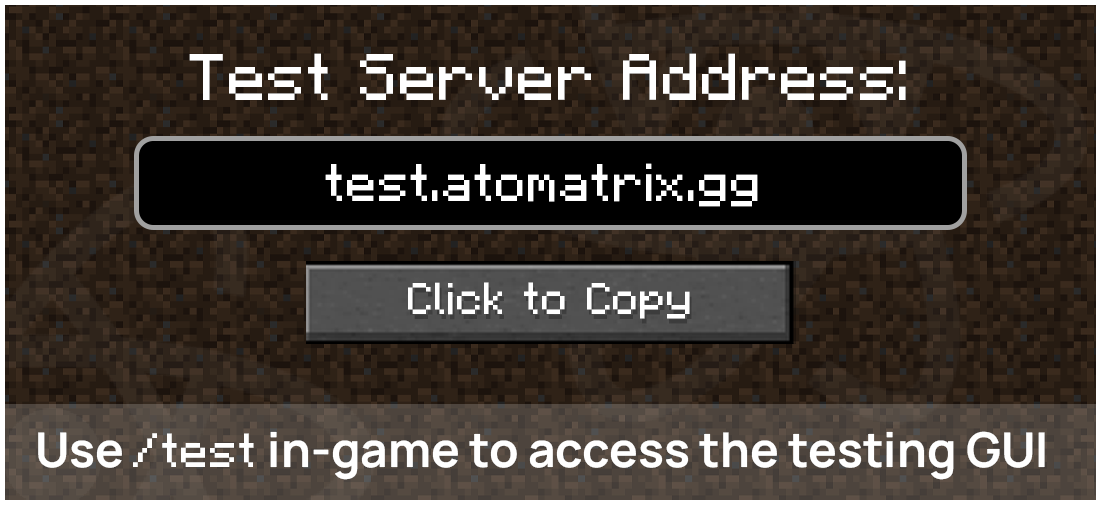
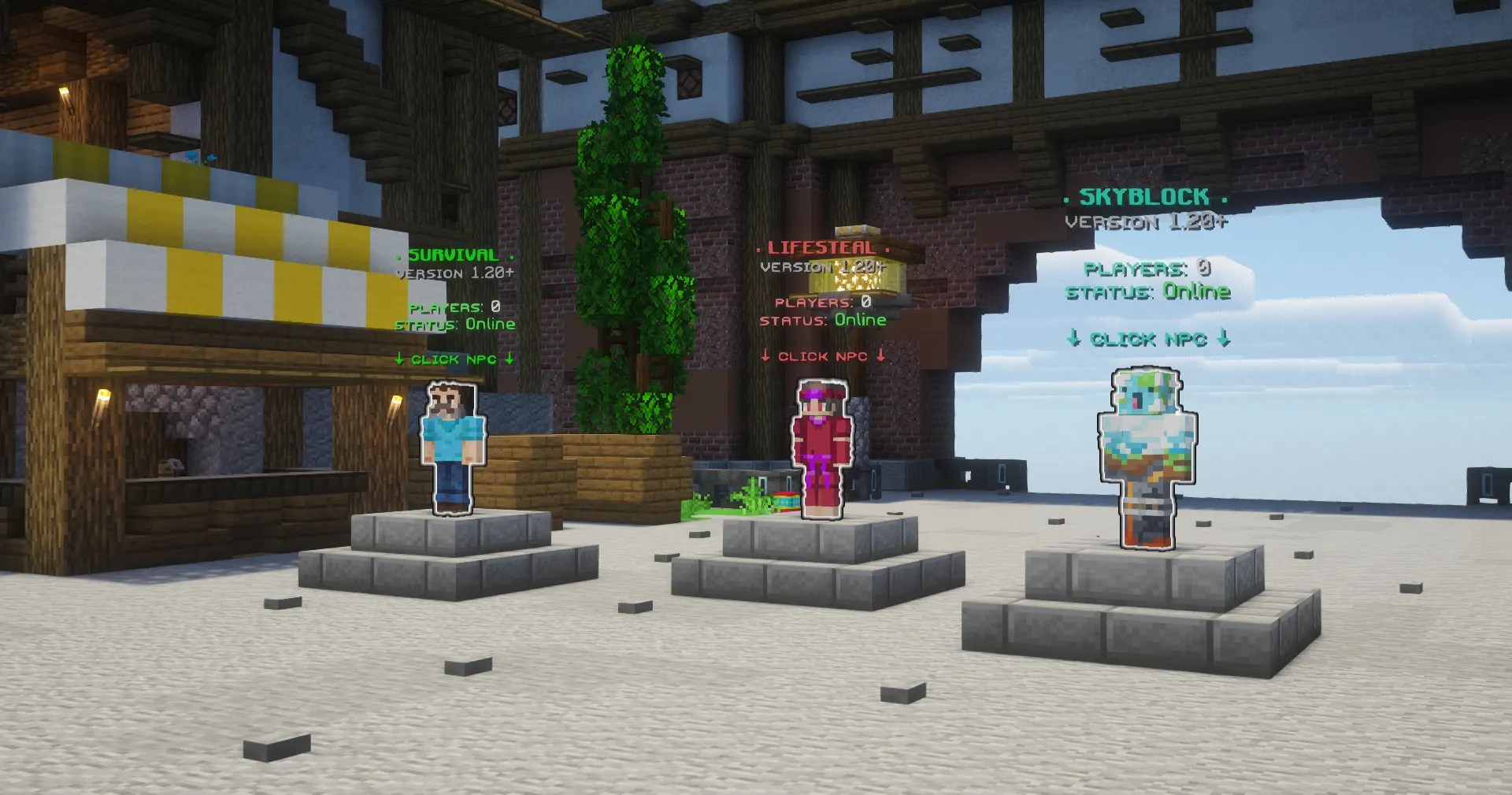
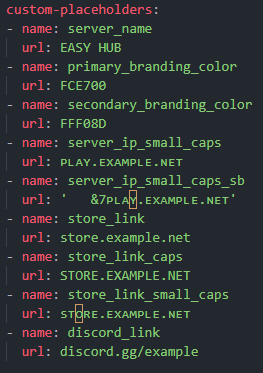


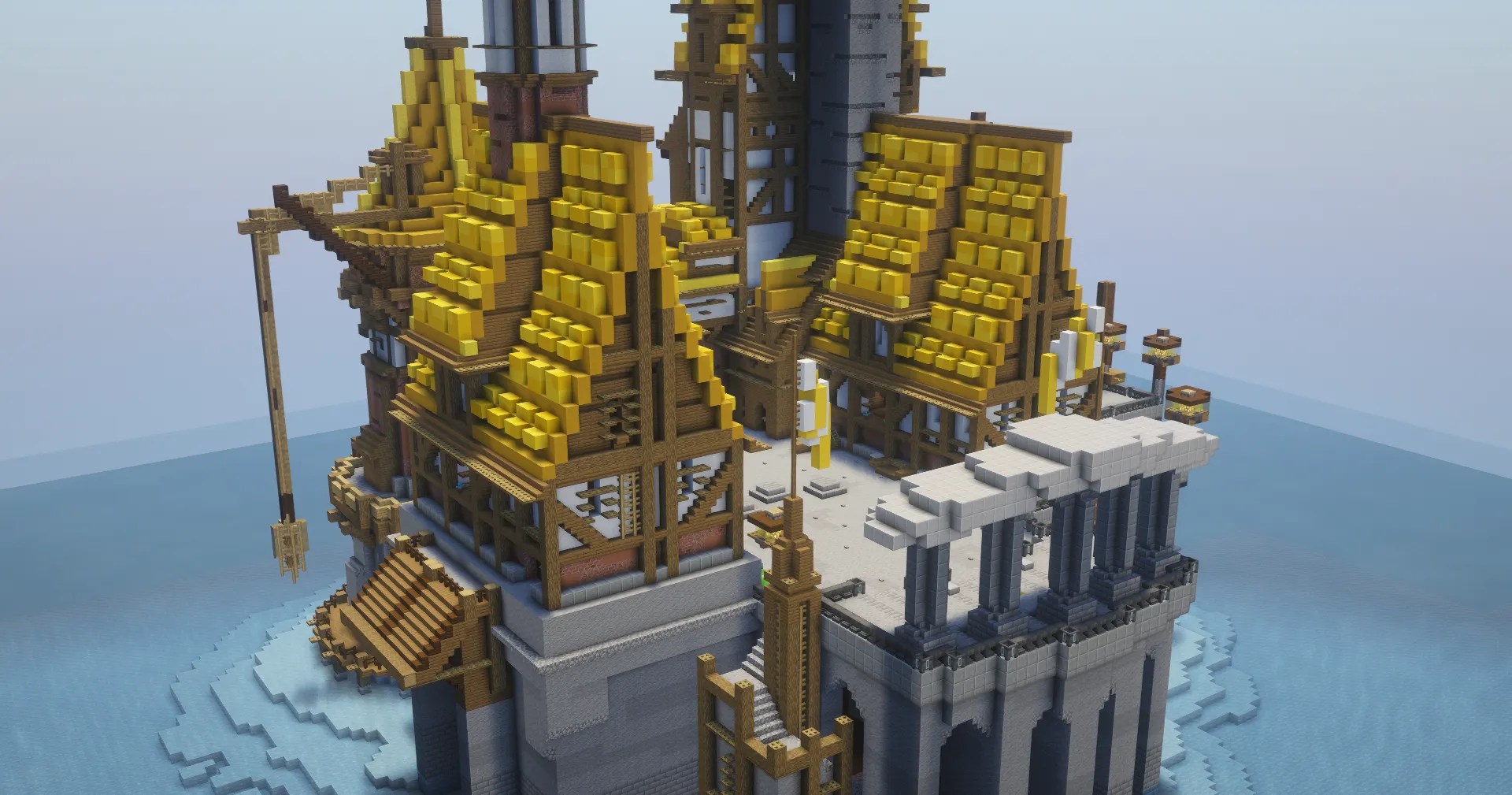
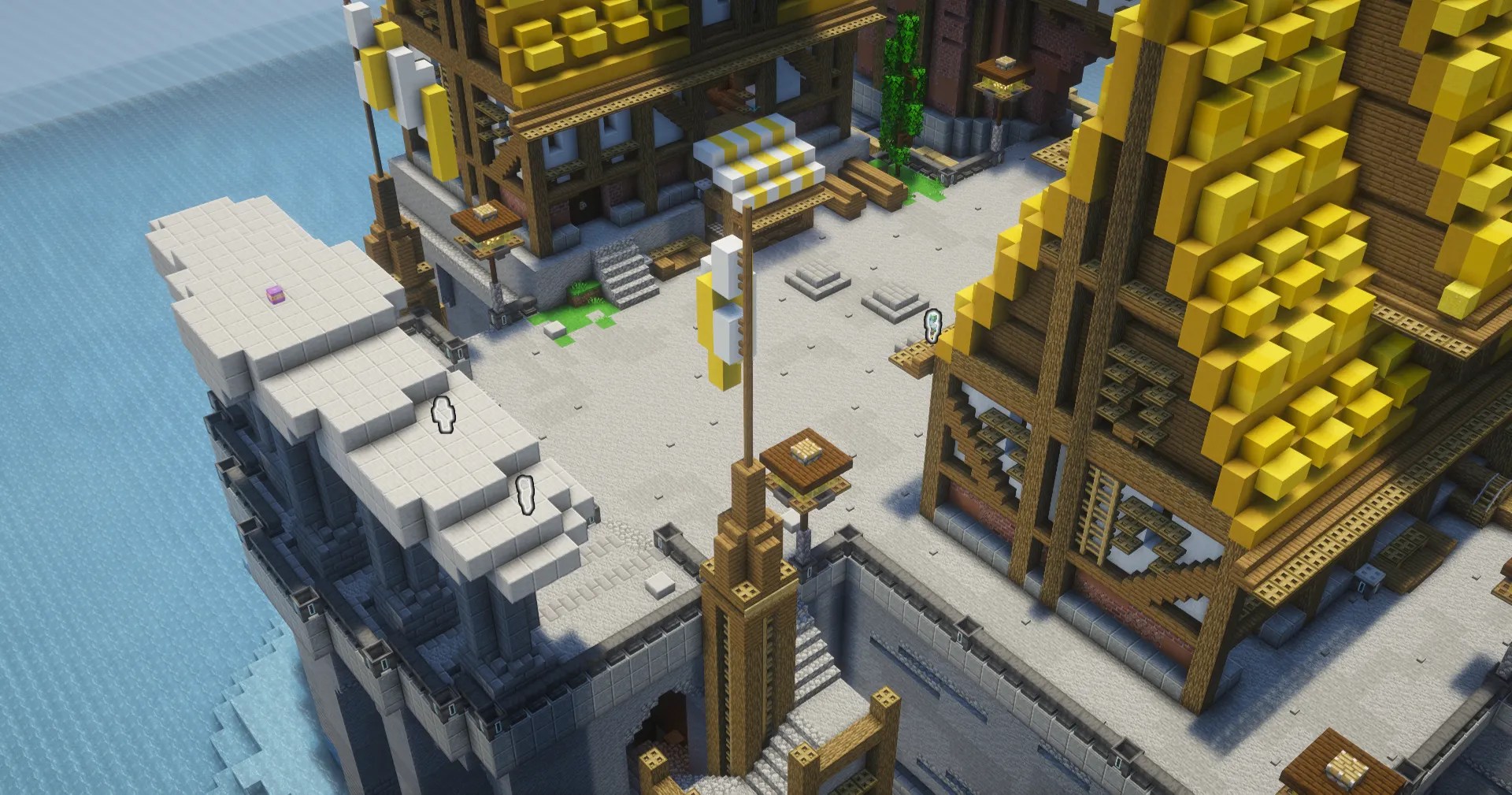
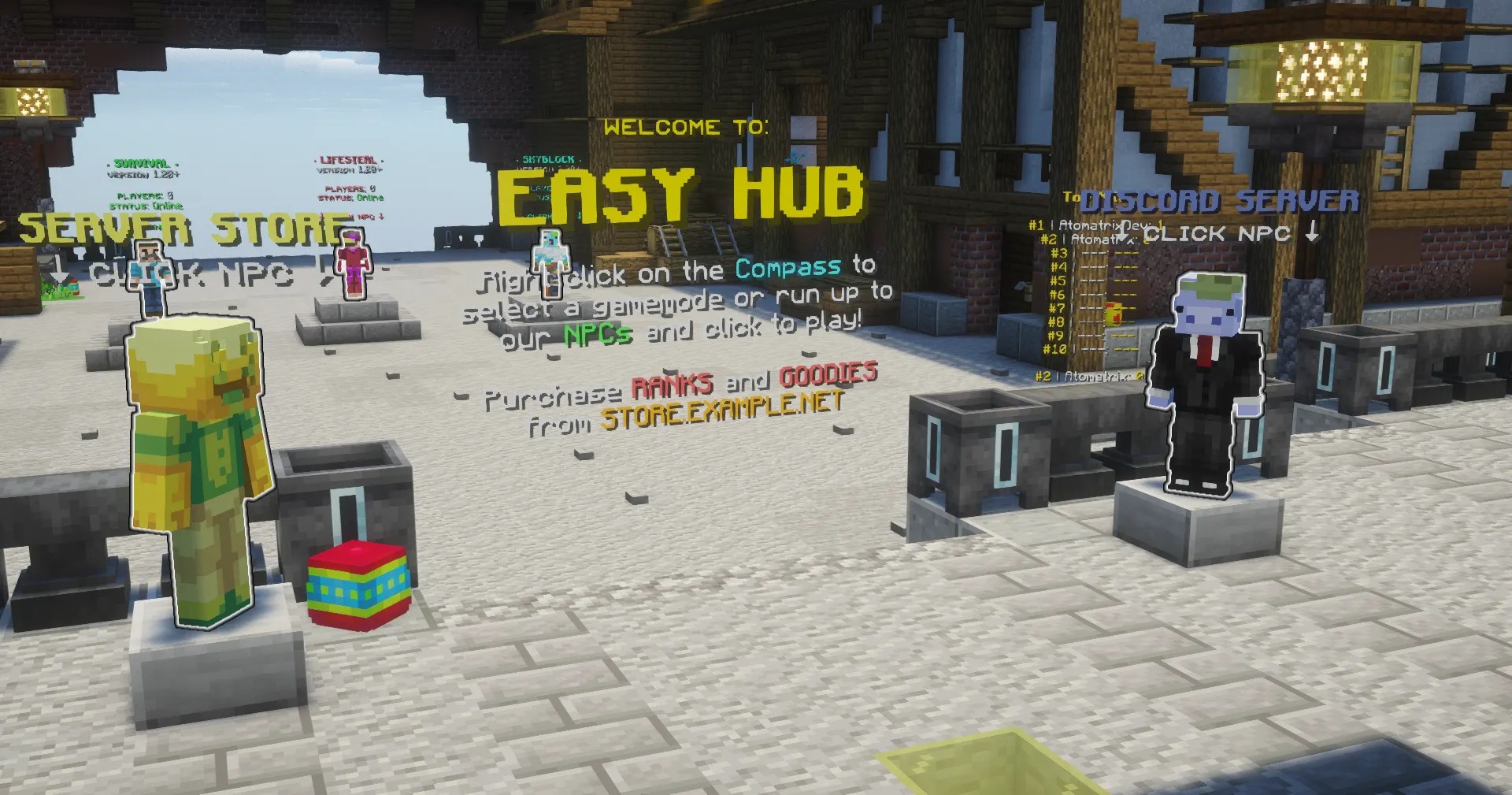
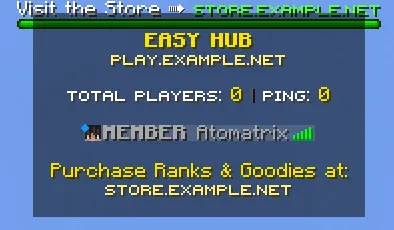

These resources must be downloaded for the setup to function properly:
 Earn 1 Point per $0.05 spent!
Oct 15, 2026
Sep 18, 2026
Aug 23, 2026
Showing 3 of 3 updates
 veyzoxx
Such a good product. Perfect 10/10
 _solent_
Hello mate, I just wanted to say thank you for such a wonderful product! I came across your video on YouTube and was really impressed, so I decided to try it out on my test server first. Everything worked brilliantly, and all the different options and features are fantastic. I've now downloaded it for use on my main server, and it works perfectly. I'm genuinely really happy with it, so thank you for offering such an amazing lobby setup. Wishing you all the very best with your future projects, and I look forward to seeing what you create next! _Solent_
 szkelertee
Good and easy to install
 luibara2
Perfect lobby for my small proxy setup, everything working as described. 👍
 neeegroo
The best set up by far, i bought full network with 8 gamemodes and all works super smooth, thanks for this amazing work, keep it going.
 mykybulle_
A perferct setup for hub
 hendersonyt
great hub setup, works well with his other setup (Survival) and setup is easy. When you cannot get it working a group of people help with support.
 _v_i_r_u_s_
I have had to work with a dozen or so prebuilt hubs in the past... This is not the same. The pre-planning and documentation that went into this lobby are amazing. setup was so easy I knocked it ALL out in a night (seriously) rebranding the lobby takes 5 minutes tops. there was an issue with the citizen's plugin i opened a support ticket in the middle of the night (USA) and got a coherent fast response that solved my issue in the first message. overall the setup is both refreshingly simple to use but also feature-packed at the same time. and the world build itself is also very well done but also refreshingly simple and not overdone it might get a little crowded if you had like a thousand people in the lobby or at once but past that, this is perfect for 99% of use cases and priced VERY well.
 hamadi0001
10/10 perfect setup helpful as always Tom love the setup and love the help and fast reply thanks again <3
 ethanprimmer
Great setup overall, worth the price, good value. But first spawn is a bit funky by default, puts you under the map
 chad.1439
Quick to help, lovely build with well-set configs. Overall it's simple but elegant, with what you see, that's what you get. The person behind this is lovely to work with, and I encourage you honestly to give him a try.
 ibotmealot
Amazing setup, allows making a network really easy.
 acknowns
Awesome setup. Absolutely love it and will use it for my server. 👍
| Platform | Minecraft Java Edition; Bedrock via Geyser |
|---|---|
| Native server software | PaperMC |
| Server version | See the product description for supported Minecraft versions |
| Minimum RAM | See the product description; ask support if no RAM requirement is listed |
| Paid dependencies | 0 (no paid plugin dependencies) |
| Rebranding | One configuration file |
| Test server | test.atomatrix.gg - test server setups before buying |
| Delivery | Available in your account after purchase |
Compare the listing and delivery terms wherever you buy. Product content, compatibility and included licences are defined by the individual listing.
| What to check | Atomatrix direct store | BuiltByBit / Polymart |
|---|---|---|
| Purchase and downloads | Manage purchases in your Atomatrix account. | Check the marketplace account and delivery terms. |
| Product support | Direct Discord support through the store’s support link. | Check the seller’s support instructions. |
| Try before buying | Test server setups on test.atomatrix.gg before purchasing. | Check the listing for available demonstrations. |
| Paid plugin dependencies | Zero paid plugin dependencies. | Check the specific listing’s requirements. |
| Rebranding | Rebrand your server through one configuration file. | Check the included customisation instructions. |
| Loyalty programme | Eligibility and point delivery follow the Discord programme. | Check the seller’s programme and purchase eligibility. |
No. Every Atomatrix server setup has zero paid plugin dependencies. Check the product description and Dependencies tab for the included plugins and installation requirements.
Yes. Every Atomatrix server setup supports Minecraft Java Edition and Paper, with Bedrock access through Geyser. Follow the included instructions and use the Minecraft versions specified by the product.
Connect to test.atomatrix.gg to test server setups before buying.
Yes. Every Atomatrix server setup supports one-file rebranding. Follow the included instructions to apply your server identity through one configuration file.
Back up your server, use the server software and Java version specified by the product, then follow its included installation instructions. Check your host, RAM and plugin requirements before starting the server.