
Skip to content

Atomatrix Development
SKYBLOCK - Premium Server Setup

NOTE: Please refer to the documentation before asking for support in the Discord Server.
(Buyers must verify their purchase to gain access to support)


LAUNCH YOUR SKYBLOCK SERVER WITH EASE
Elevate your community with Atomatrix's Survival Setup. This setup provides a "plug-and-play" solution without the headache of any hidden monthly license costs.

Why Choose This Setup?


This server is packed full of the most sought-after features to keep your players engaged from the moment they join:
  • Engaging Gameplay: Featuring Island Quests, Co-op play, Custom Menus, Mobcoins, and Player Shops for the ultimate Skyblock experience.
  • Premium Items: Sell Ranks, Cosmetics, Coins, Sell Wands, and MORE on your Server Store!
  • And More: A curated selection of quality-of-life features designed for modern skyblock.

Zero Paid Plugins


This setup utilizes zero paid plugins, meaning you can launch immediately without spending a single cent extra on plugin licenses. Everything you need is included and ready to go.

Native 26.2 Support


Grab a setup that constantly keeps up with the latest Minecraft versions. Updating to future versions is incredibly easy too!

A minimum of 4GB RAM is required to provide players with a lag-free experience.

... And Lots More


Keep on reading to see all the features this server setup has to offer!


TEST SERVER
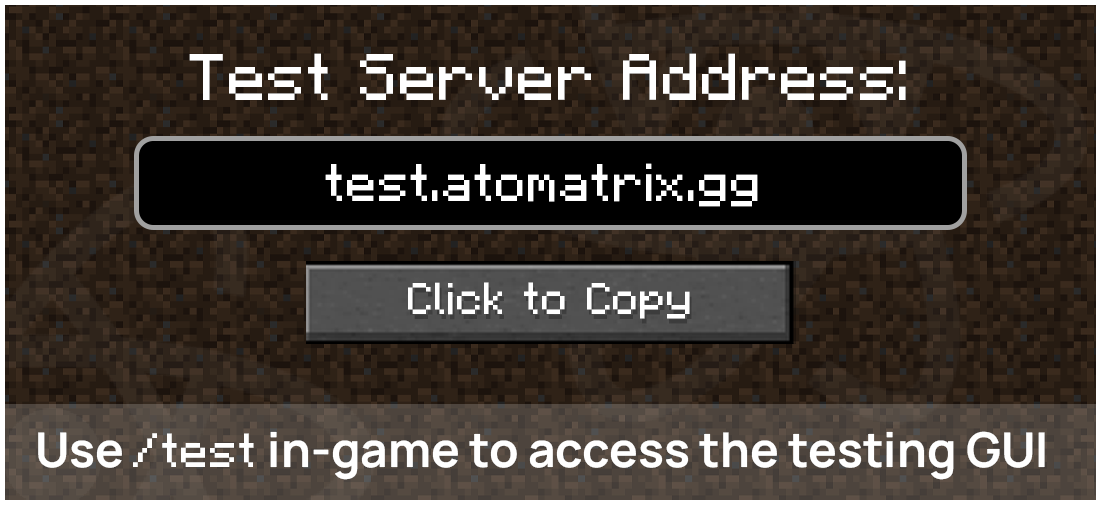
The Test Server for this config can be accessed by joining the server using the IP test.atomatrix.gg.
Access the testing menu using /test in-game to give yourself Coins, Money & More!

Version: 26.1+


SHOWCASE VIDEO
Although this video is very detailed, I recommend using the test server (information above) before purchasing.
You will get a better feel for the server; the video below could be outdated.
Since this video has been recorded, the spawn area has been updated.


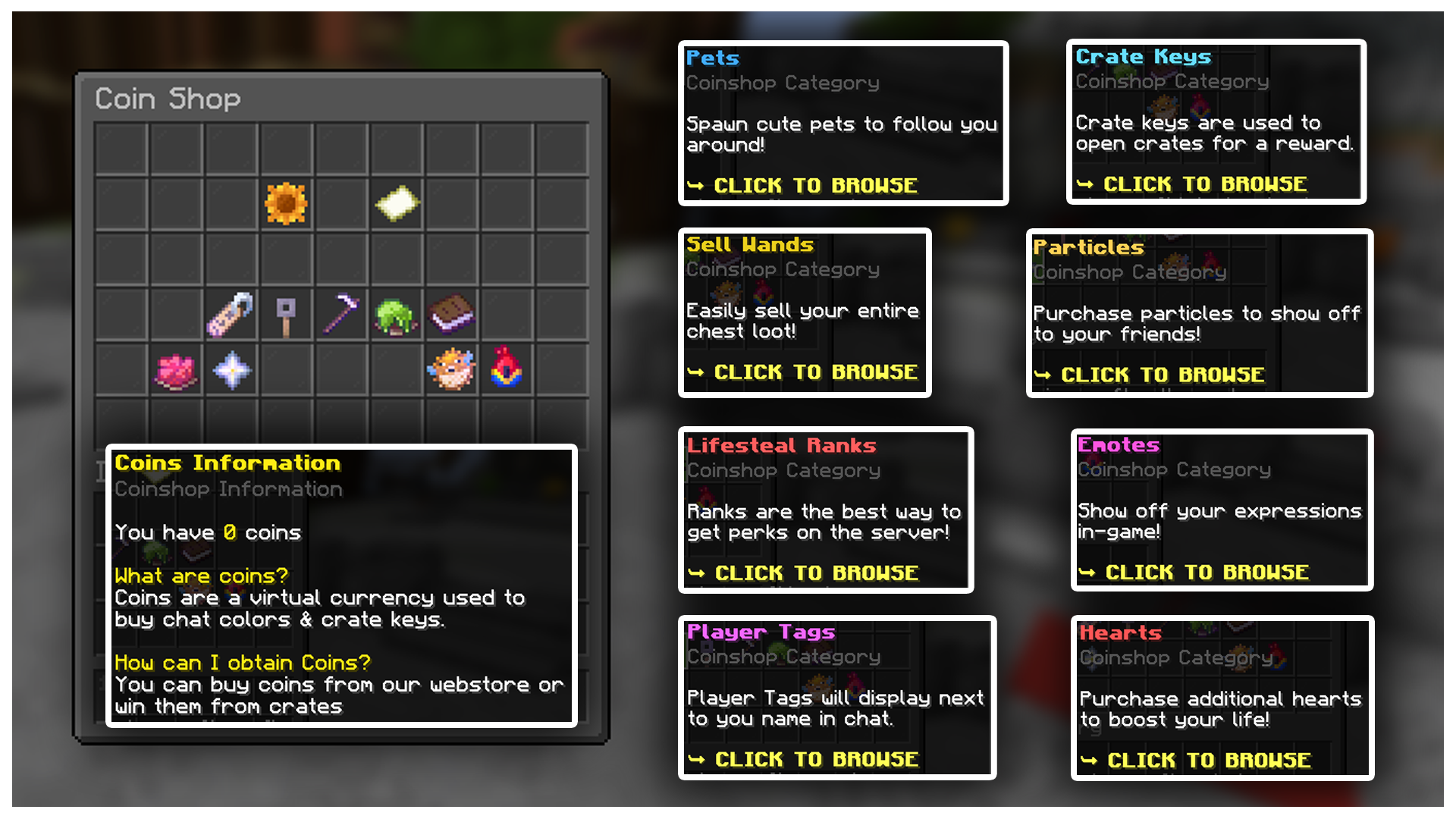
COIN SHOP
Let players spend coins on Chat Tags, Colors, Ranks & MORE!


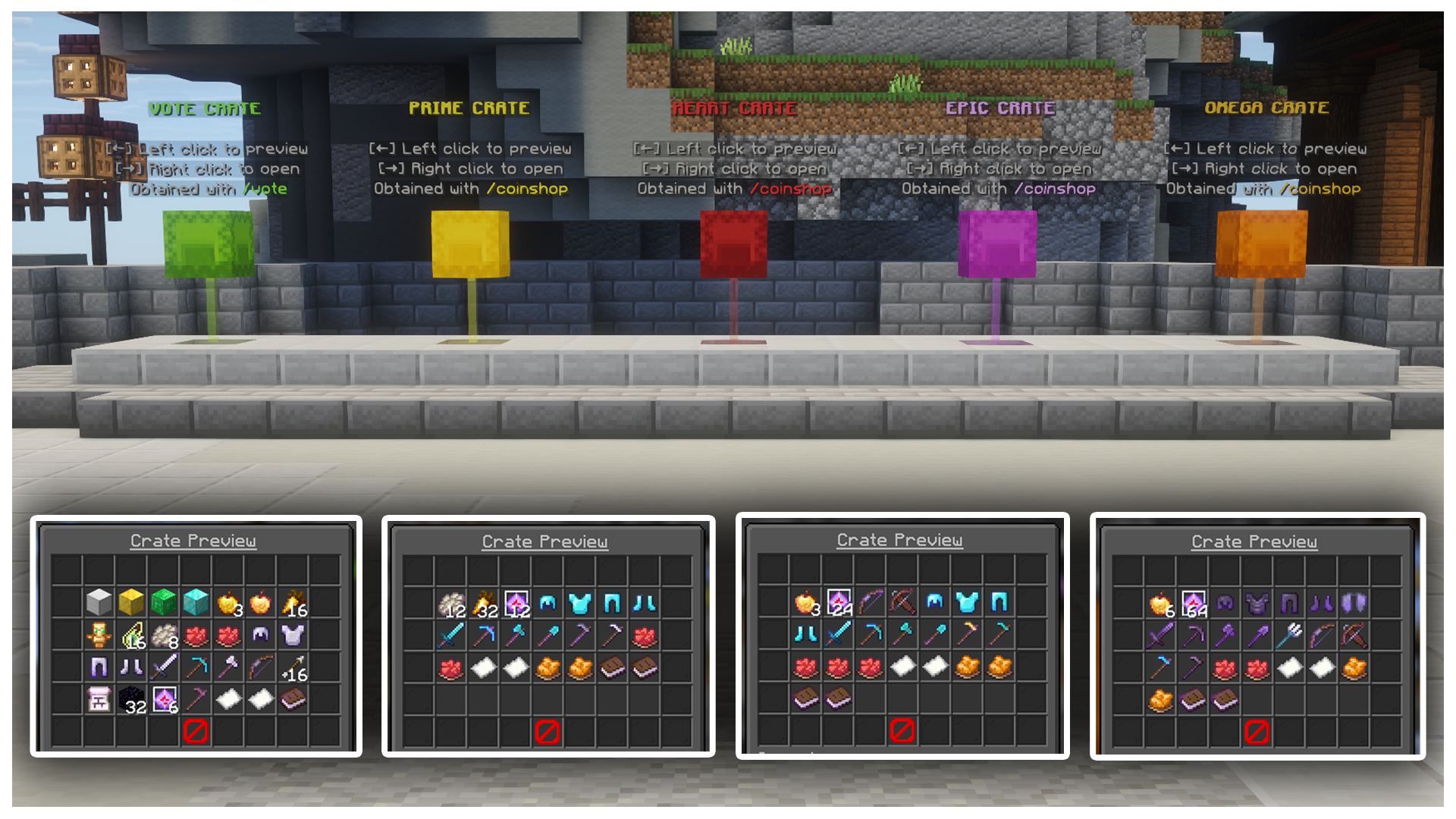
CRATES
Fully Custom Crates have been pre-configured with items and a key trader NPC!


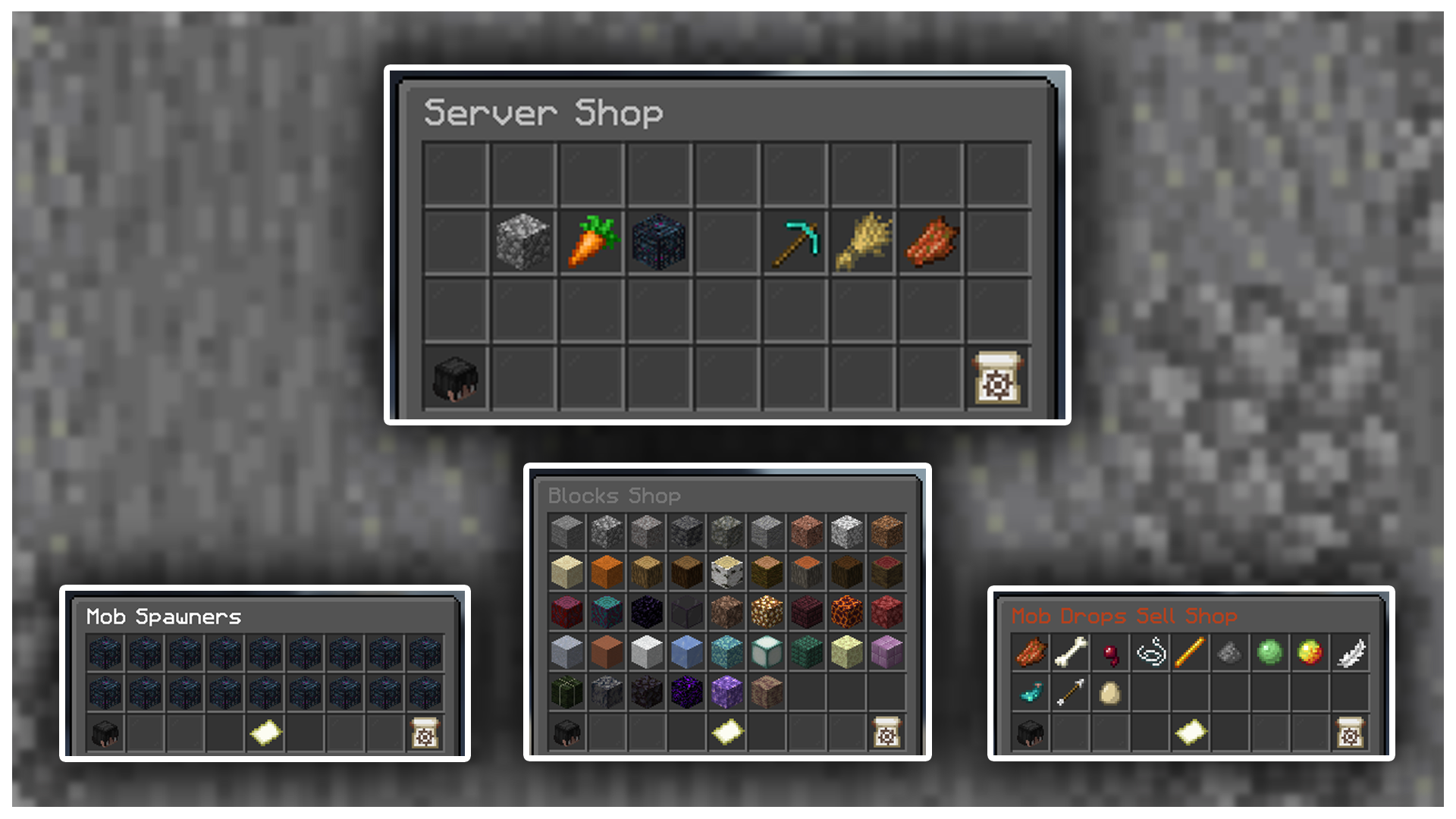
IN-GAME SHOP
Buy & Selling Shop GUI with a balanced economy.


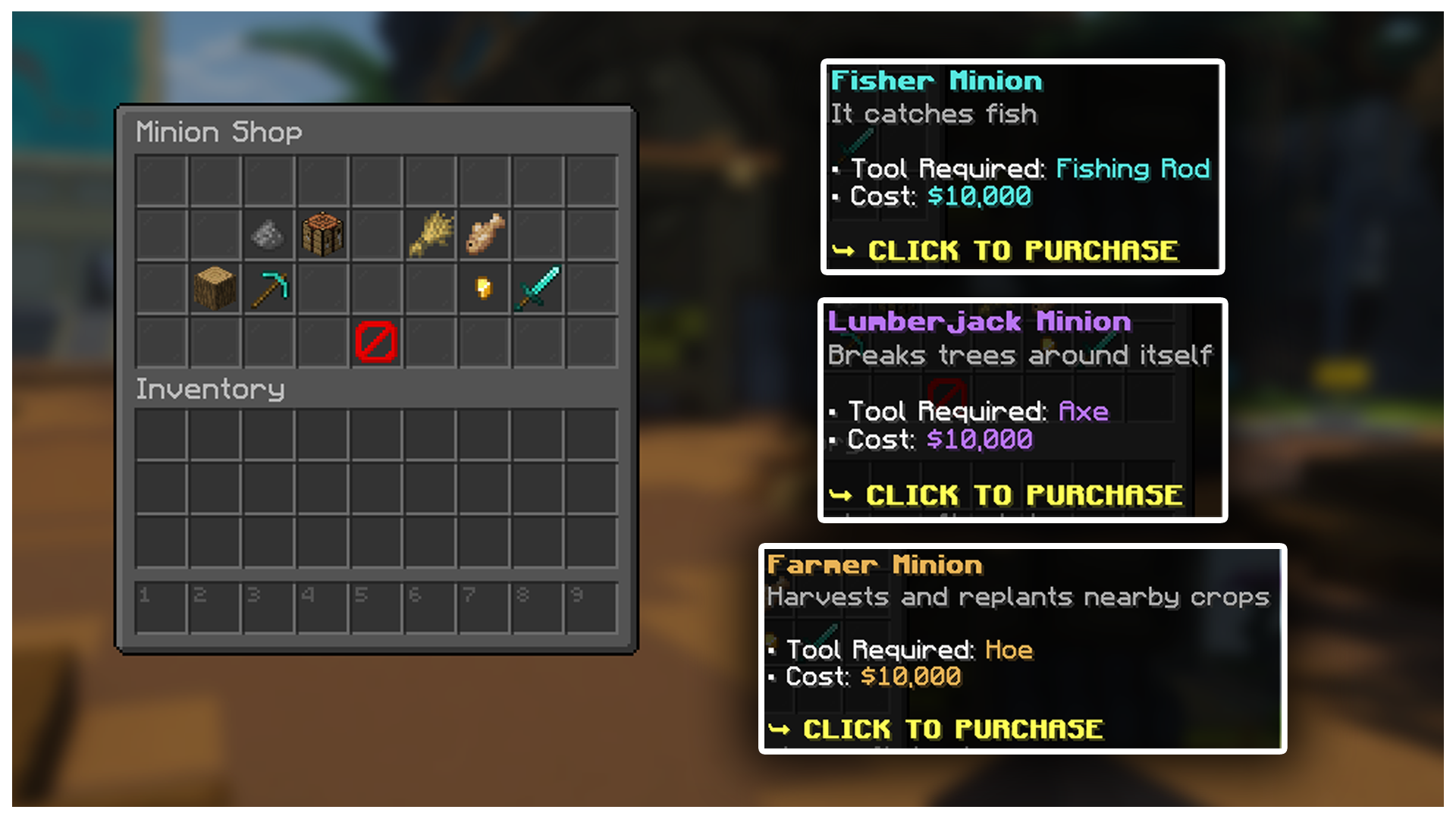
MINIONS
Let players automate farms with custom minions!


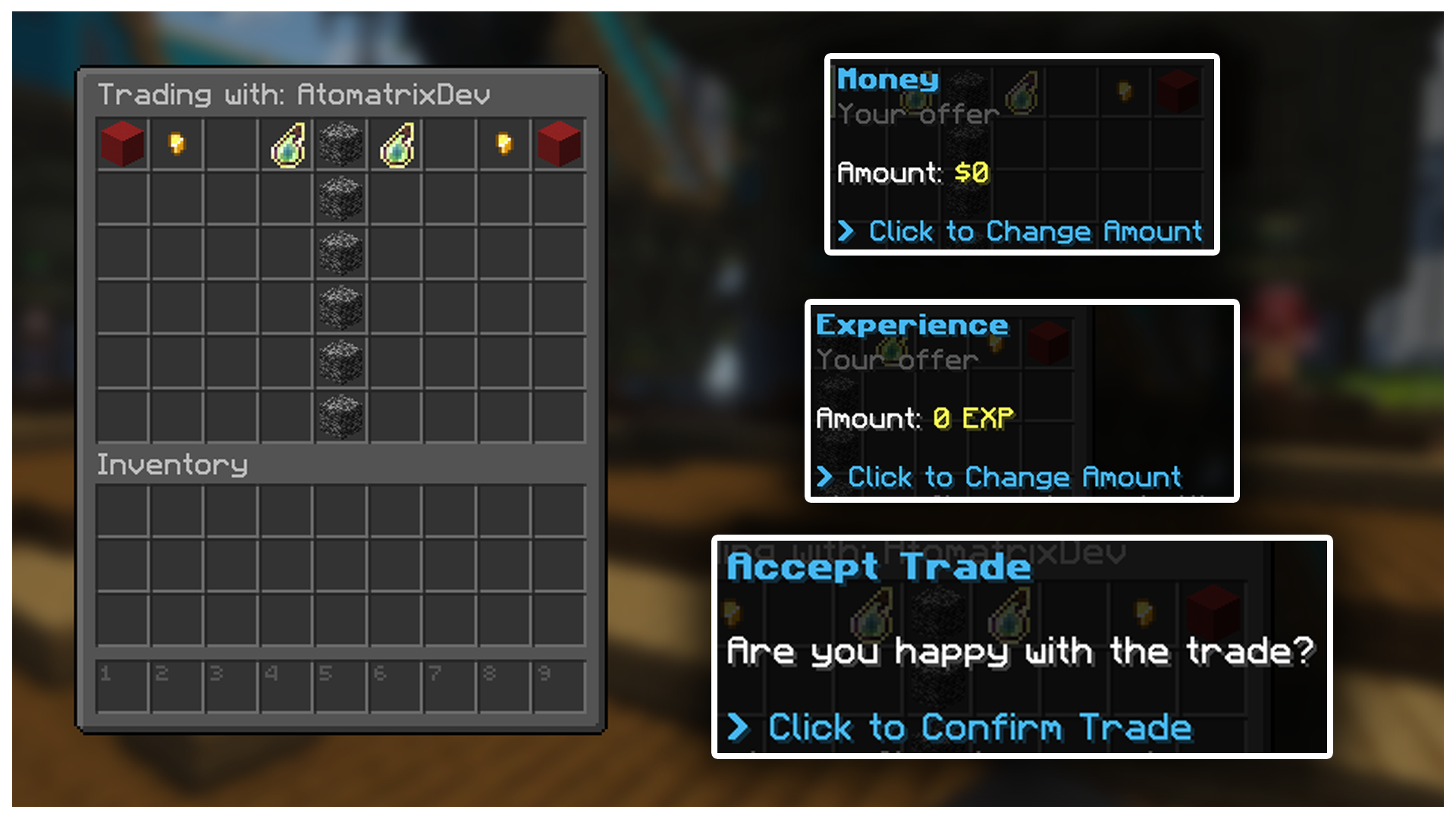
TRADING
Players can easily trade with each other with a pre-configured /trade setup.


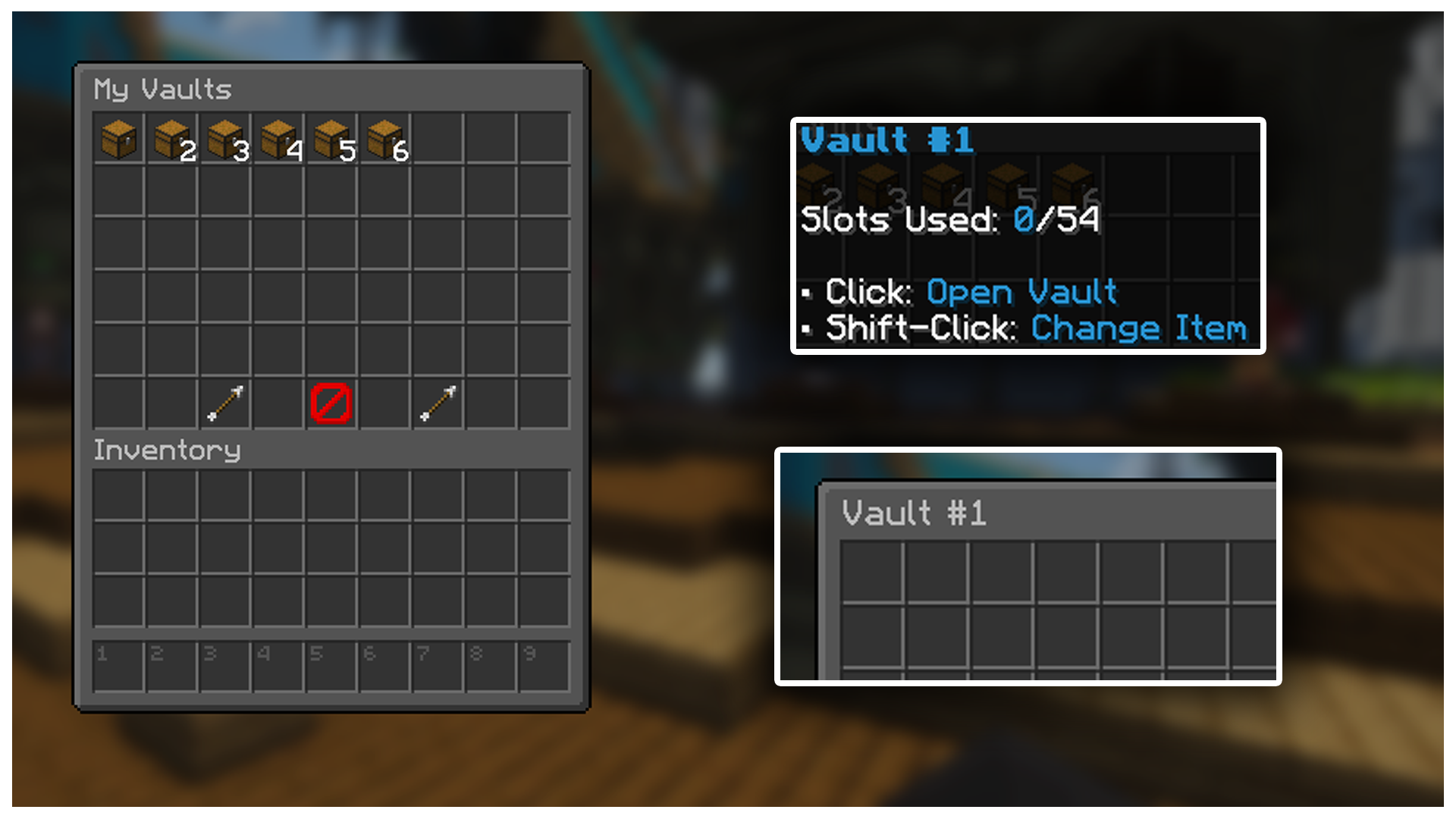
VAULTS
Store away precious items in vaults. Donators get access to more!


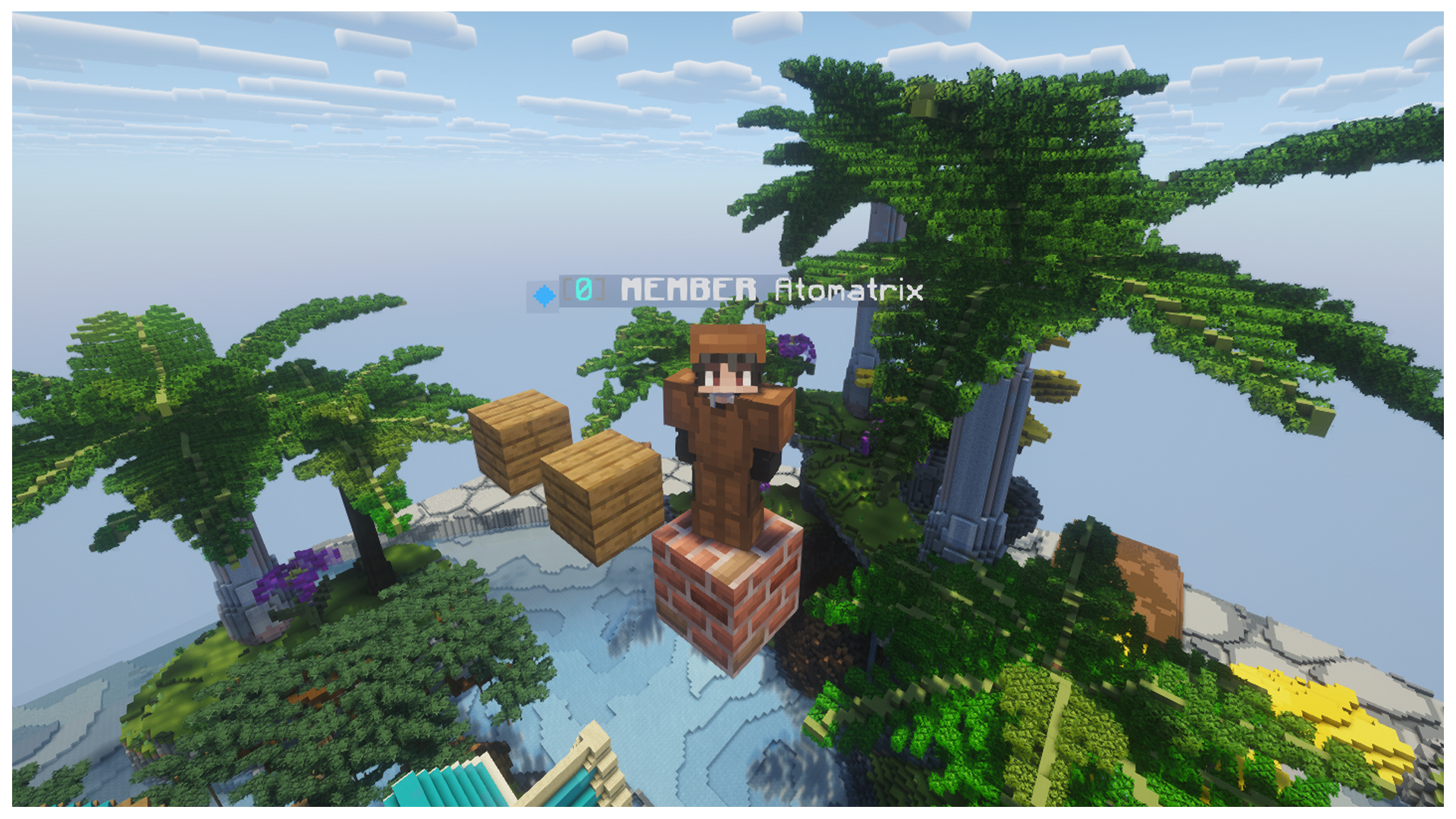
PARKOUR
Let players parkour as much as they want with auto-generating parkour.


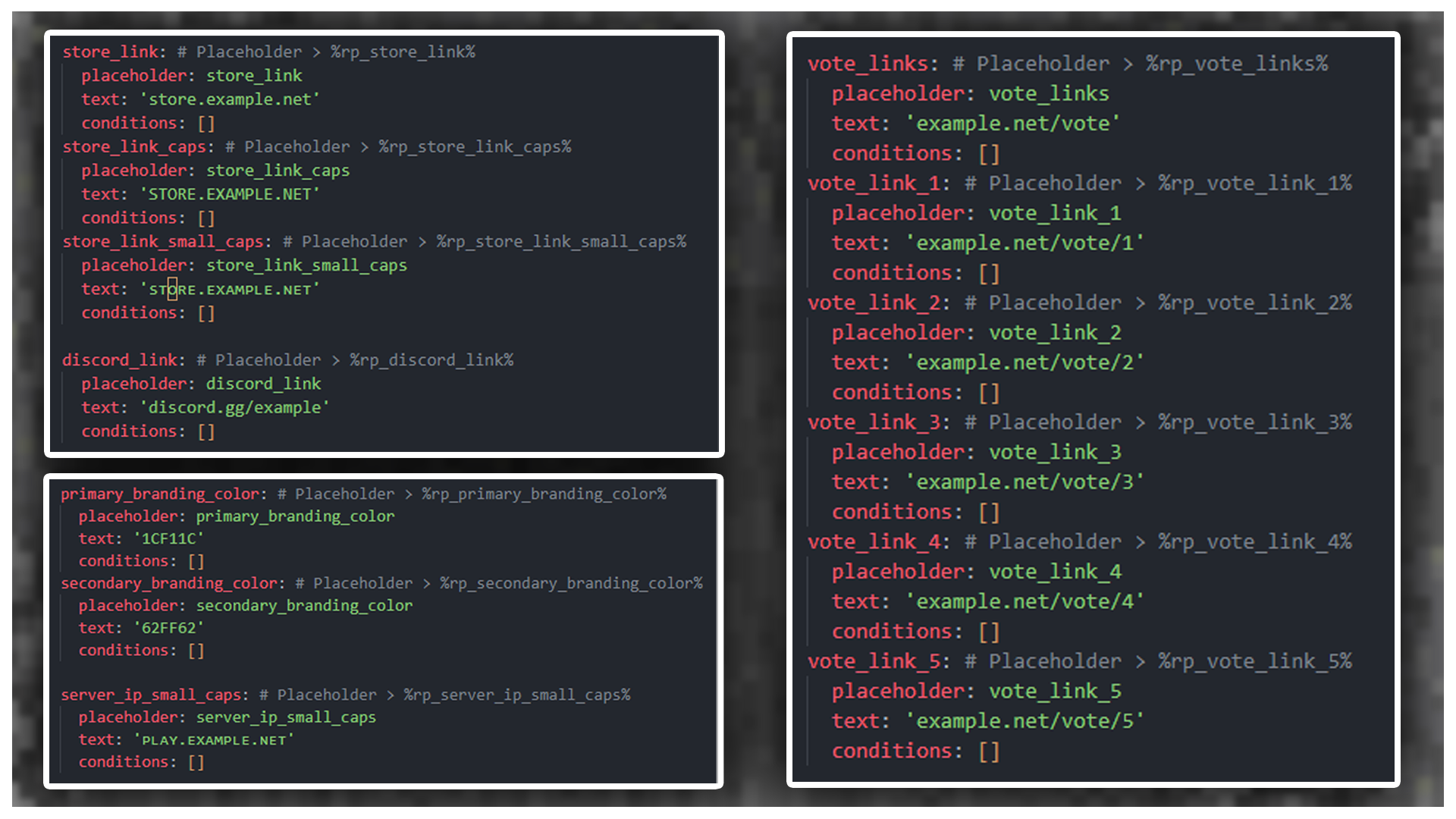
BRANDING CHANGES
Easily change your branding for the entire server by only editing one file!


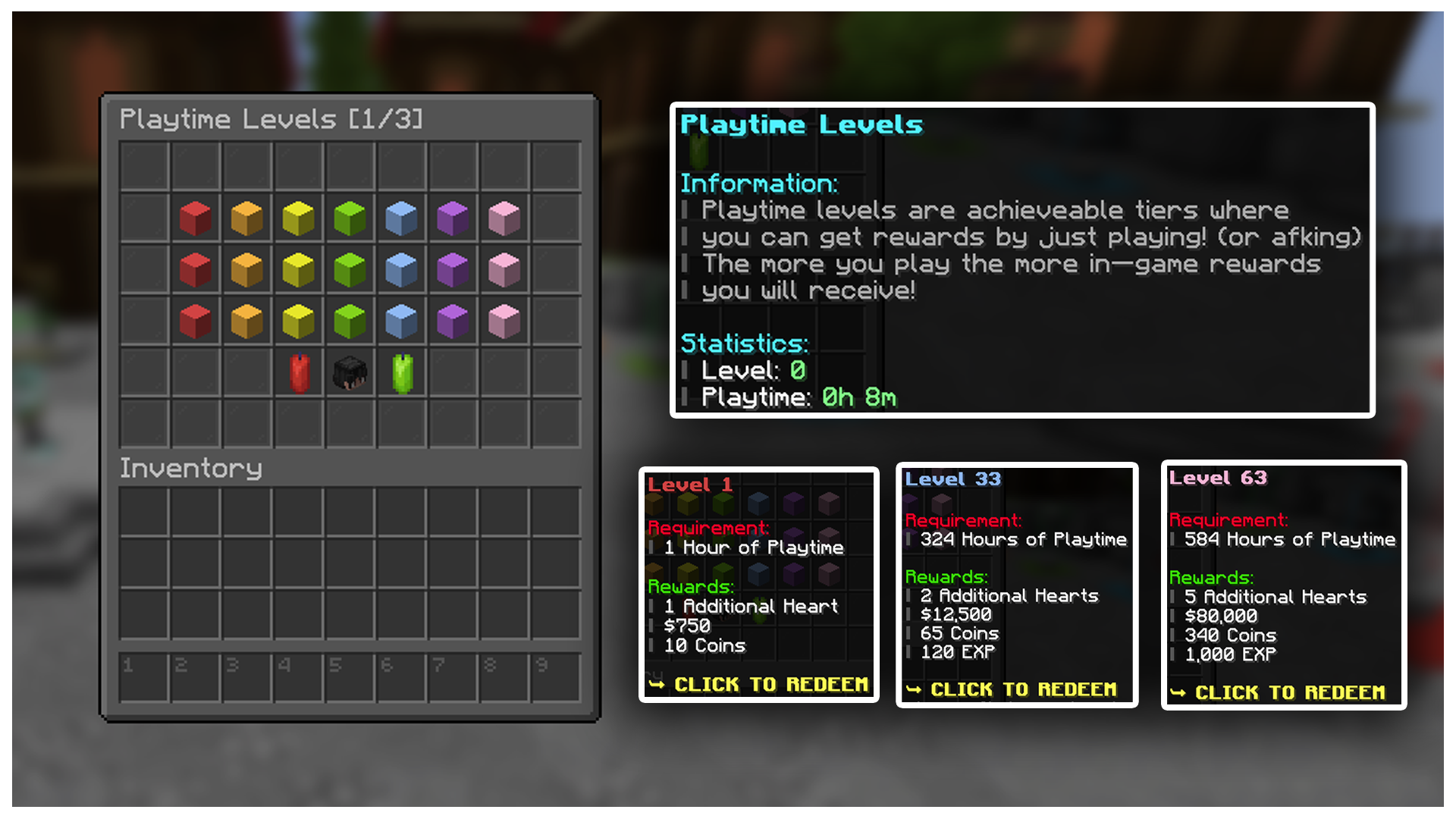
PLAYTIME LEVELS
Entice players to stay on your server by rewarding them based on their playtime!


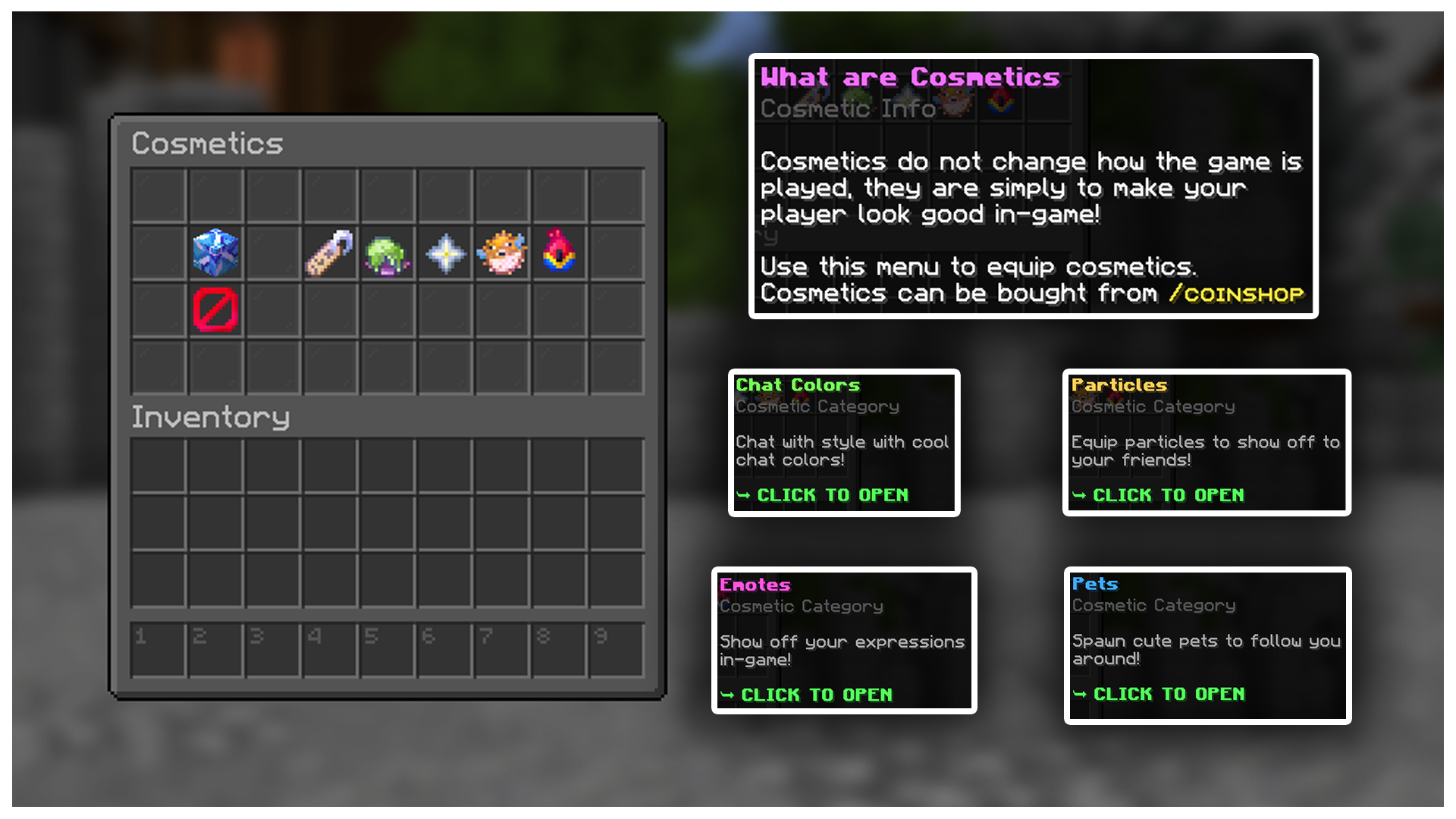
COSMETICS
Earn revenue from your server by selling Chat Tags, Particle Effects, Emotes & Pets on your server store!


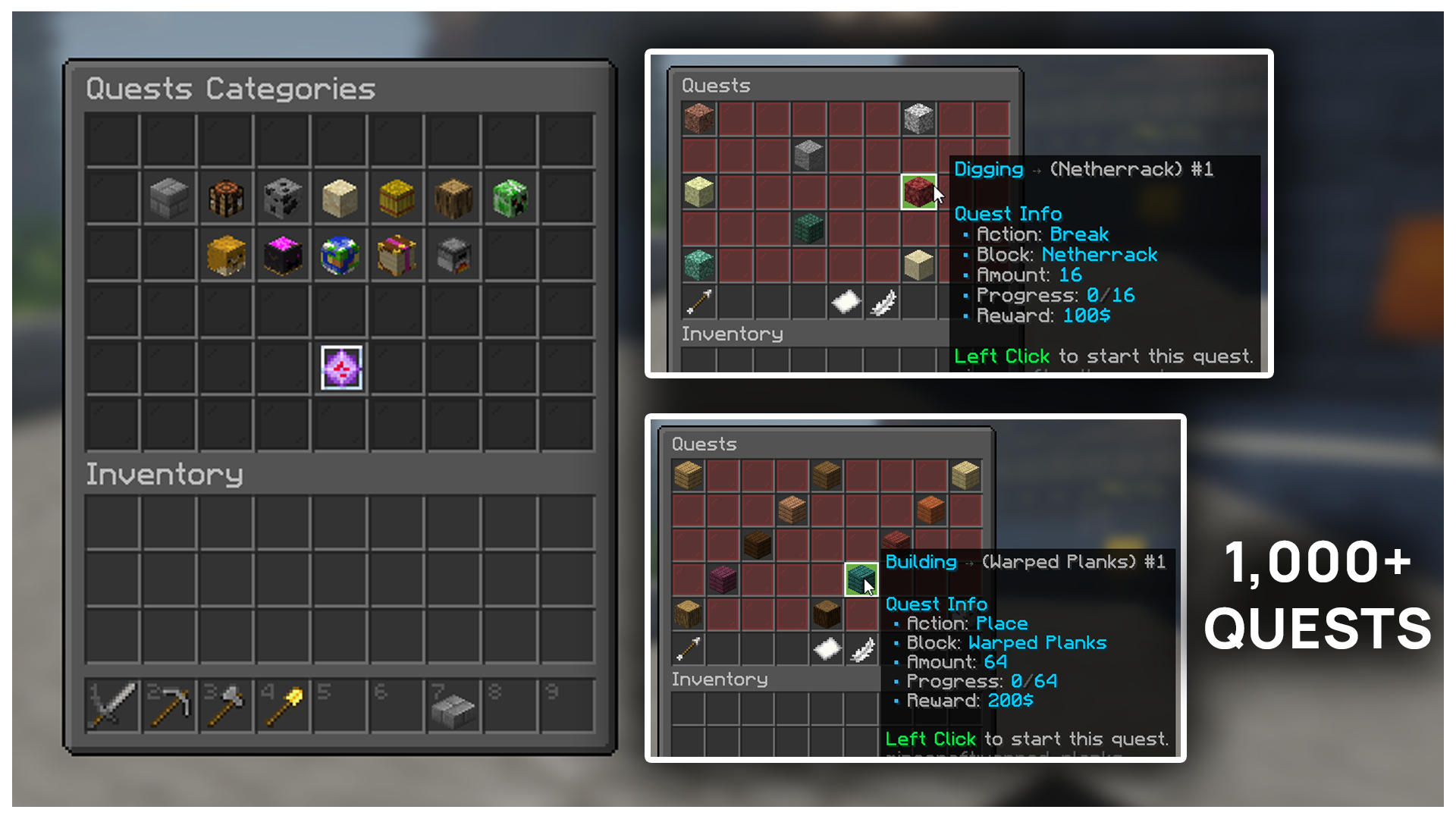
QUESTS
Keep players engaged on your server with 1,000+ Quests!


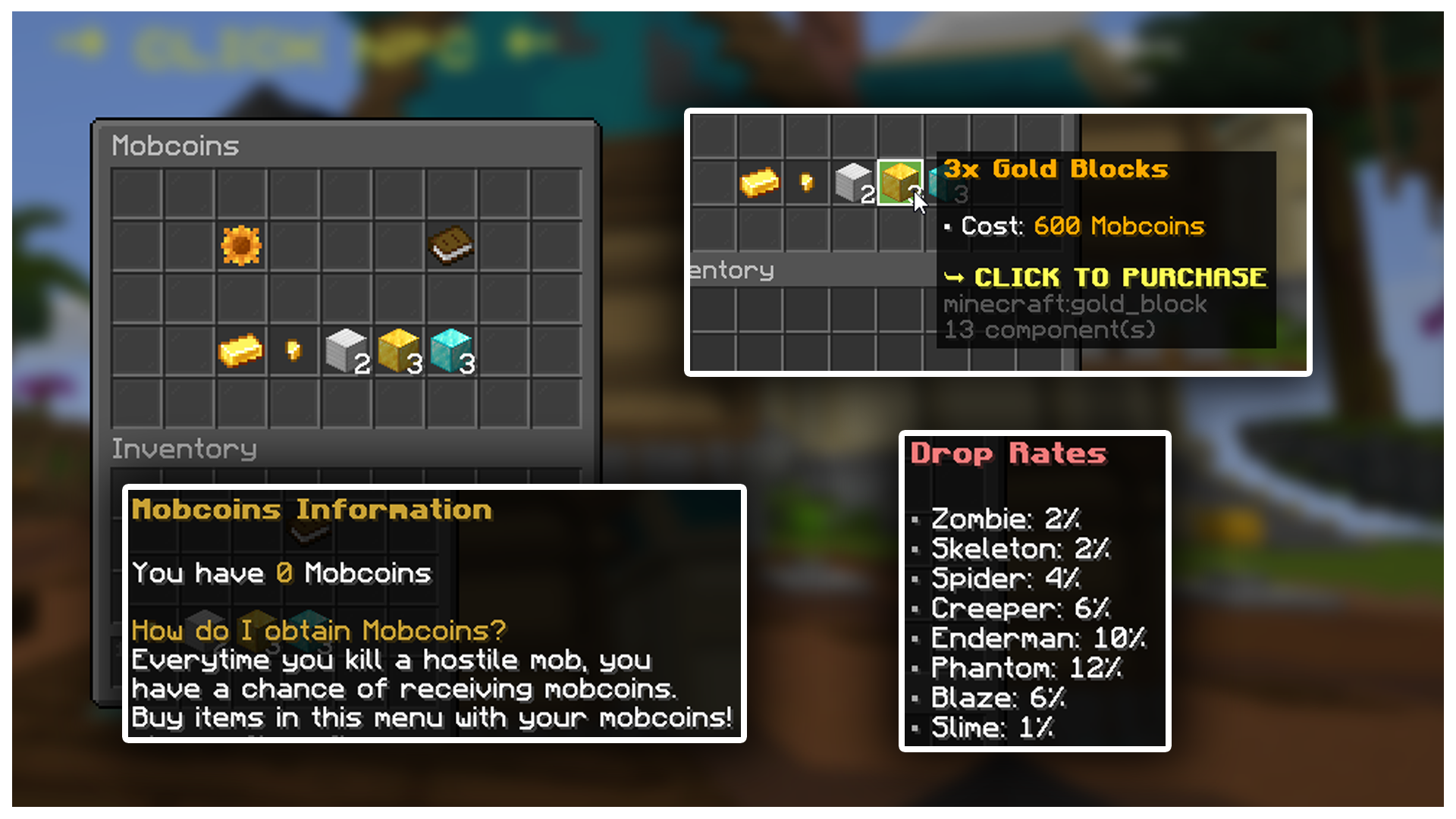
MOBCOINS
Earn a bonus reward from farming mobs. Trade your earnings for bonus rewards.


VOTING + VOTEPARTY
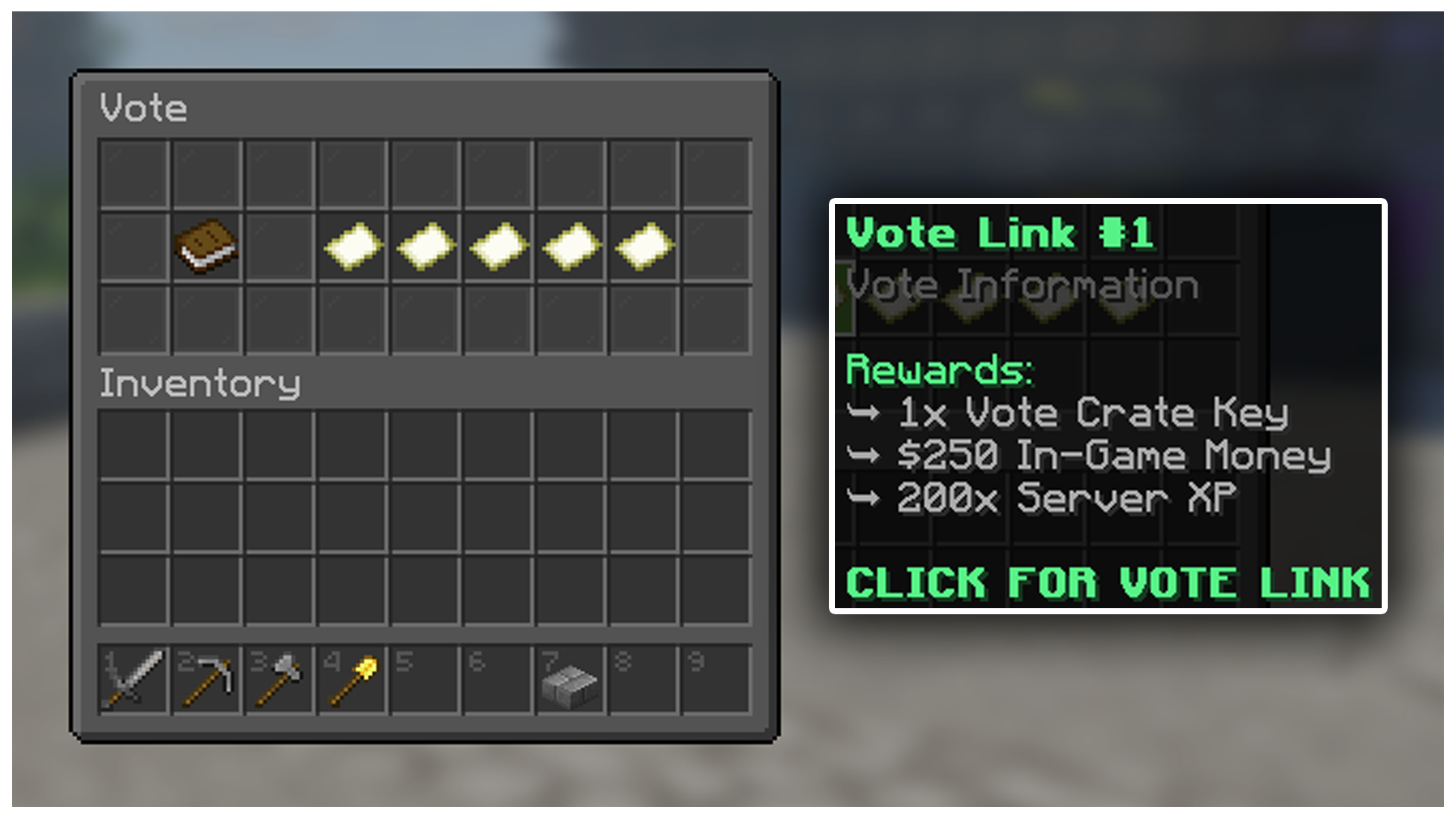
Voting Rewards have been pre-configured for ease of use. Just set up Votifier, and you're good to go!


SELL WANDS
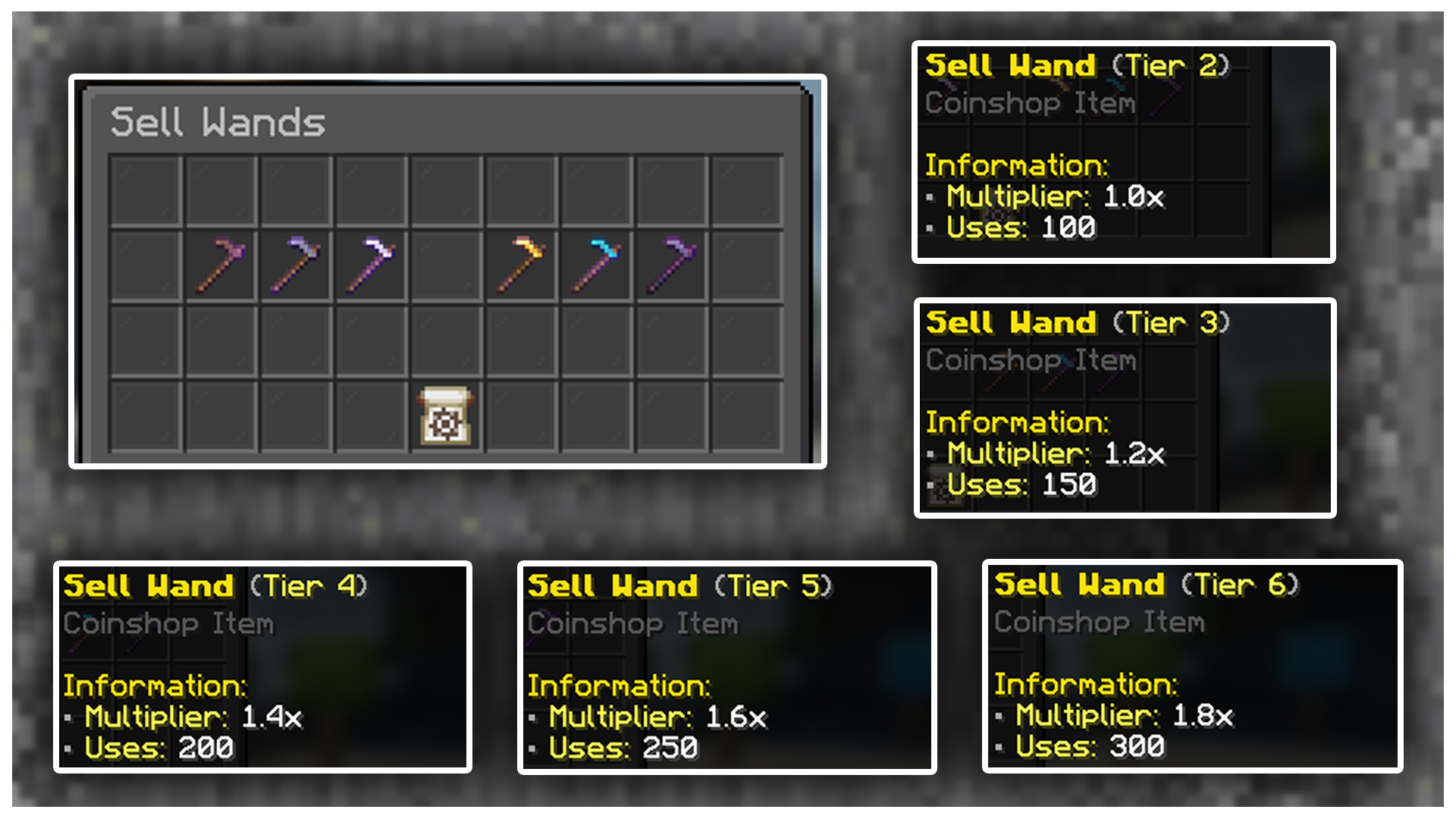
Let players purchase Sell Wands from your store to allow them to sell items directly from a chest!


KING OF THE HILL
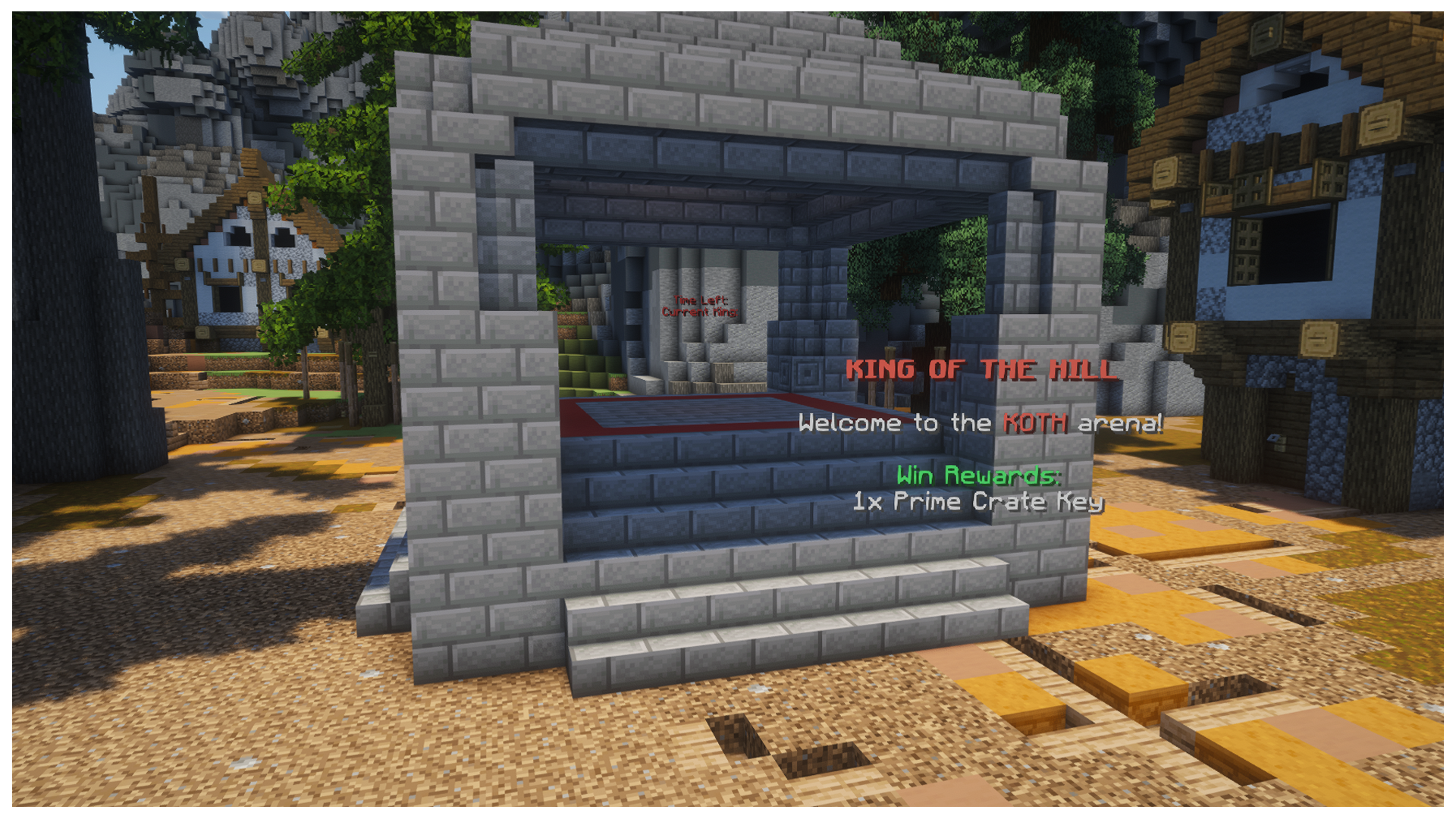
Players can fight other players in the KOTH event to earn a grand reward in the arena.


DAILY REWARDS
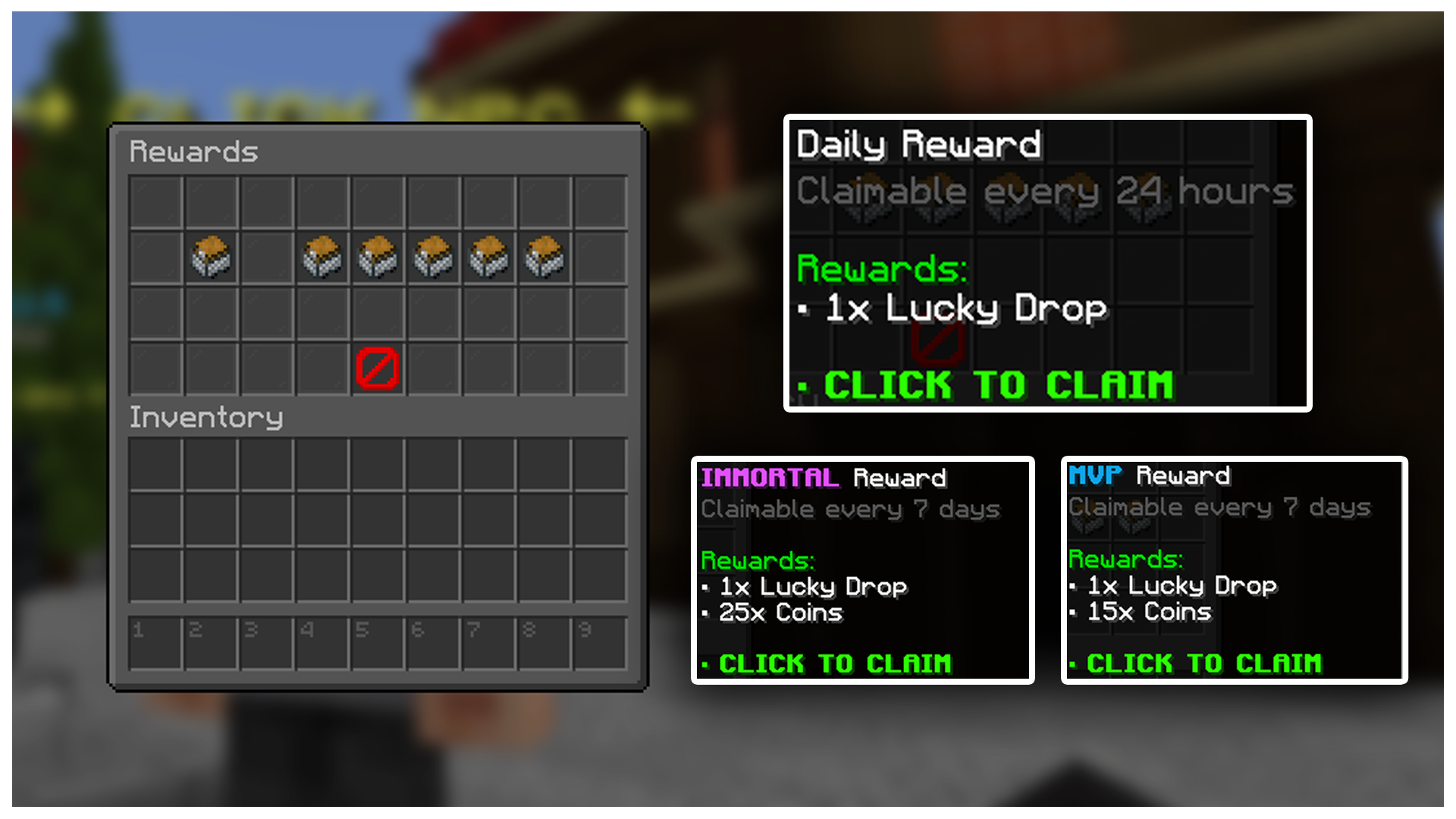
Give players a reason to log in daily and increase retention on your server!


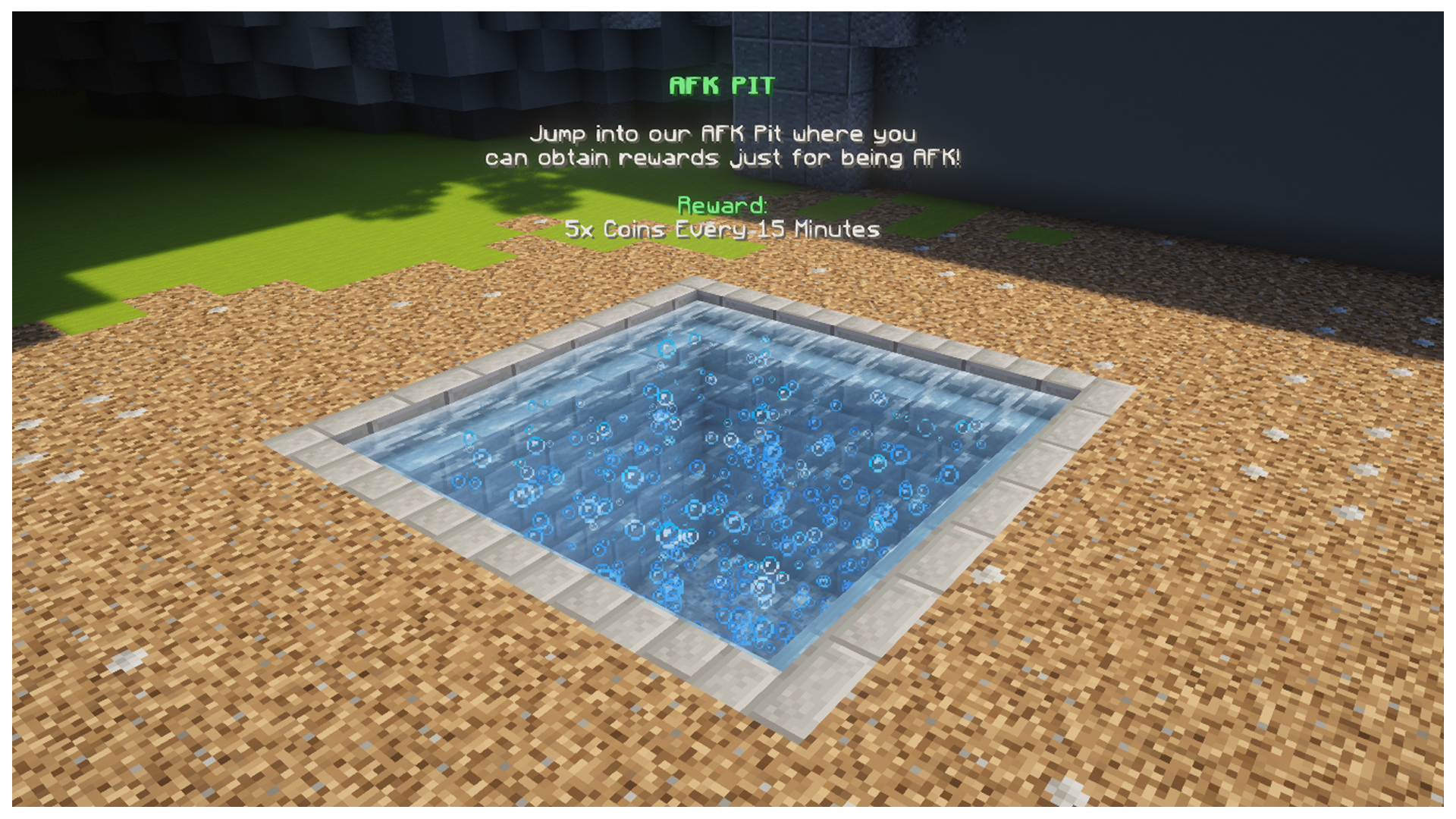
AFK ZONE
Keep players on your server when they're idle with a reward pit for them to stay and earn rewards!


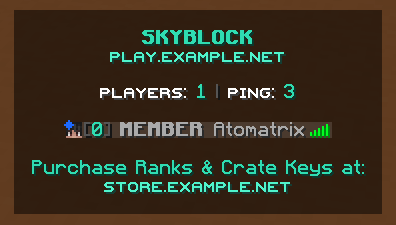
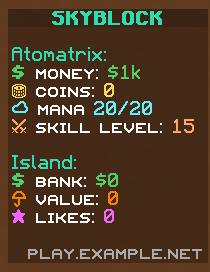
TAB & SCOREBOARD


MORE FEATURES
ClaimingSkillsTeamsCustom Generation
LeaderboardsPvP ArenaChat TagsPlayer Shops
Staff ChatPre-configured RanksCombat LogAFK Zone

Join the test server with the IP above to explore ALL the features.


SUPPORT FORUM
Priority support for every customer with typical reply times of under an hour.


atomatrix.gg - Premium Minecraft Resources
All links to any free-use content in this resource can be found here.

(By purchasing this resource, you automatically agree to the Terms and Conditions)

Technical specifications

Requirements and delivery for SKYBLOCK - Premium Server Setup
PlatformMinecraft Java Edition; Bedrock via Geyser
Native server softwarePaperMC
Server versionSee the product description for supported Minecraft versions
Minimum RAMSee the product description; ask support if no RAM requirement is listed
Paid dependencies0 (no paid plugin dependencies)
RebrandingOne configuration file
Test servertest.atomatrix.gg - test server setups before buying
DeliveryAvailable in your account after purchase

Buying directly from Atomatrix

Compare the listing and delivery terms wherever you buy. Product content, compatibility and included licences are defined by the individual listing.

Atomatrix direct store and marketplace listings
What to checkAtomatrix direct storeBuiltByBit / Polymart
Purchase and downloadsManage purchases in your Atomatrix account.Check the marketplace account and delivery terms.
Product supportDirect Discord support through the store’s support link.Check the seller’s support instructions.
Try before buyingTest server setups on test.atomatrix.gg before purchasing.Check the listing for available demonstrations.
Paid plugin dependenciesZero paid plugin dependencies.Check the specific listing’s requirements.
RebrandingRebrand your server through one configuration file.Check the included customisation instructions.
Loyalty programmeEligibility and point delivery follow the Discord programme. Check the seller’s programme and purchase eligibility.

Frequently asked questions

Do Minecraft server setups require paid plugins?

No. Every Atomatrix server setup has zero paid plugin dependencies. Check the product description and Dependencies tab for the included plugins and installation requirements.

Can Java and Bedrock players join the same setup?

Yes. Every Atomatrix server setup supports Minecraft Java Edition and Paper, with Bedrock access through Geyser. Follow the included instructions and use the Minecraft versions specified by the product.

How can I test a setup before buying?

Connect to test.atomatrix.gg to test server setups before buying.

Can I rebrand the setup for my own server?

Yes. Every Atomatrix server setup supports one-file rebranding. Follow the included instructions to apply your server identity through one configuration file.

How do I install a Minecraft server setup?

Back up your server, use the server software and Java version specified by the product, then follow its included installation instructions. Check your host, RAM and plugin requirements before starting the server.

Loyalty Points

What are Loyalty Points?

Loyalty Points can be used to redeem FREE Products! Here's how to earn them!

Purchasing a product on this store:

When purchasing on Atomatrix Store (as opposed to other stores), you'll earn 1 Point per $0.05 spent. Just make sure you're in the Discord Server before making a purchase. (Points may take up to 12 hours to appear)

Providing support in the Support Forum

When a support post is locked, if you are the main support agent, loyalty points will be granted based on the length and complexity of the problem.

How do I spend Loyalty Points?

Spend your Loyalty Points in the Discord Server by using the "/shop" command! You can see how much each resource costs with Loyalty Points on their product pages!